
Navigating ResellPortal: Manually Add Services & Clients
Add Client or Service — ResellPortal Documentation (Updated 2025 Platform)
The ActivateAdd (Manual)Client or Service feature in your ResellPortal dashboardsection allows you to deploycreate new clients, manage existing clients, and assign digital products foror AI services directly from your clientsreseller using your own wallet balance.wallet. This givesfeature youis fulldesigned controlfor overagencies, which services are activated, when they are deployed,resellers, and forservice whom—makingproviders itwho idealdeliver forwhite-labeled resellerssolutions managingon multiplebehalf clientof accountstheir or offering bundled services.
clients.

What This Section IsAllows ForYou To Do
-
Add a
Manualnewdeploymentclientofordigitalselectproductsanforexistingyour clientsclient -
Assign one or more
Usingservices,yourproducts,balanceor AI tools tocoverthatproduct costsclient -
ManagingDeductproductwholesaleactivationscostsondirectlyafromper-clientyourbasiswallet balance -
ProvidingDeliver fully white-labeledor, branded servicesthrough -
ownManage
portalindividual client subscriptions and activations
How to AccessAdd anda UseClient Activateor (Manual)Service
1. Accessing the Section
-
Log in to your ResellPortal
dashboard.dashboard -
In the
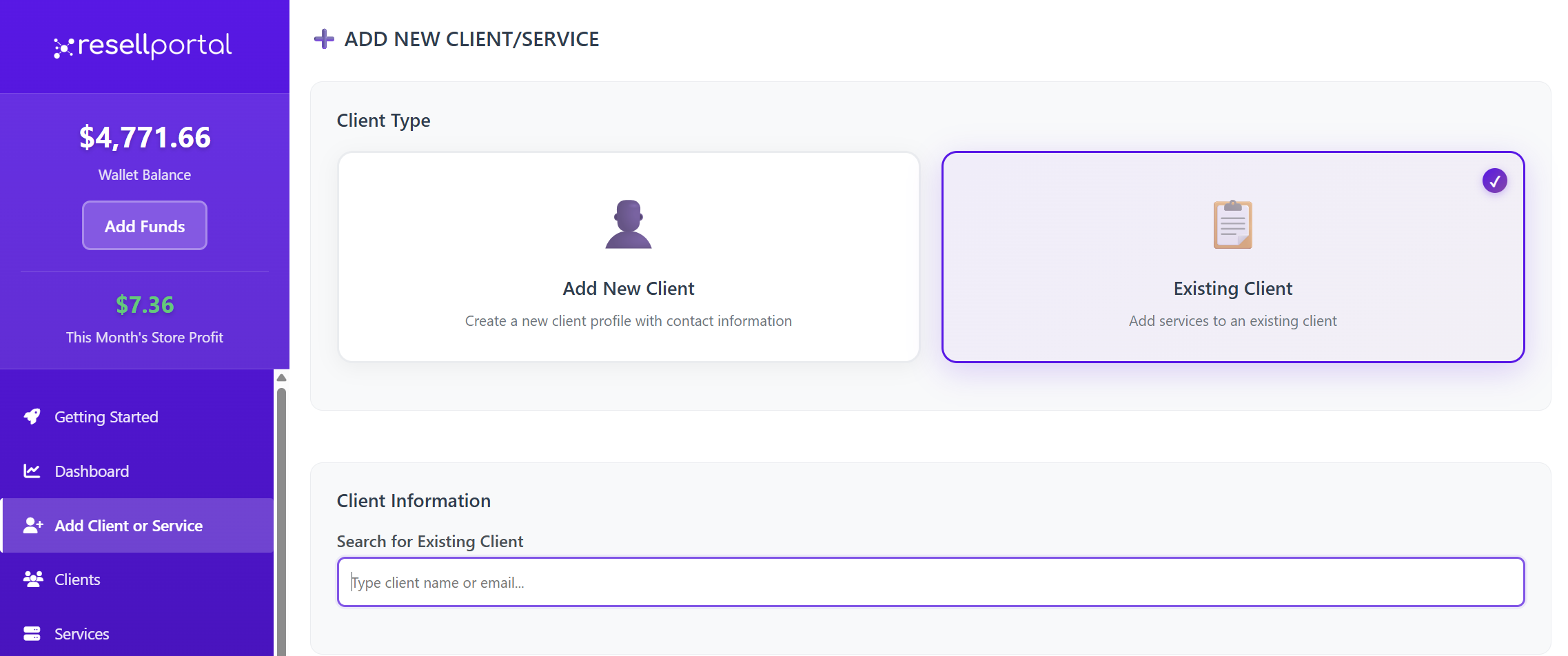
left-handleftmenu,sidebar, click “ActivateAdd(Manual)”Client or Service”. Ensure yourwallet balance is topped upand has enough credit to cover the cost of the products you want to deploy.You will see a list of allavailable digital productsfor resale (see full list below).
Activation2. ProcessChoose Client Type
When you choose a product to deploy:
Click on the product name or icon in theActivate (Manual)list.-
You will be
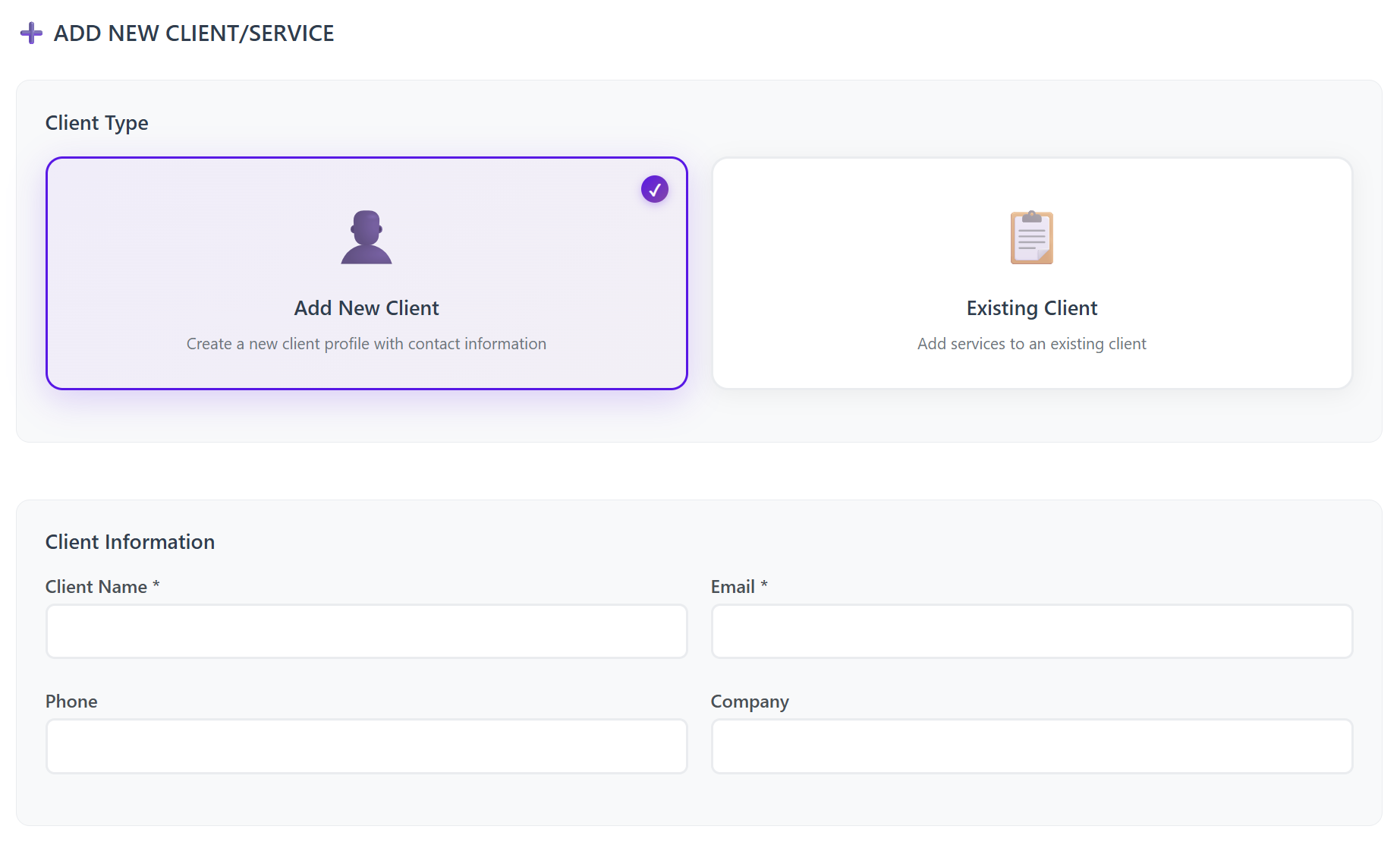
redirectedprompted to choose:Add New Client or Use Existing Client
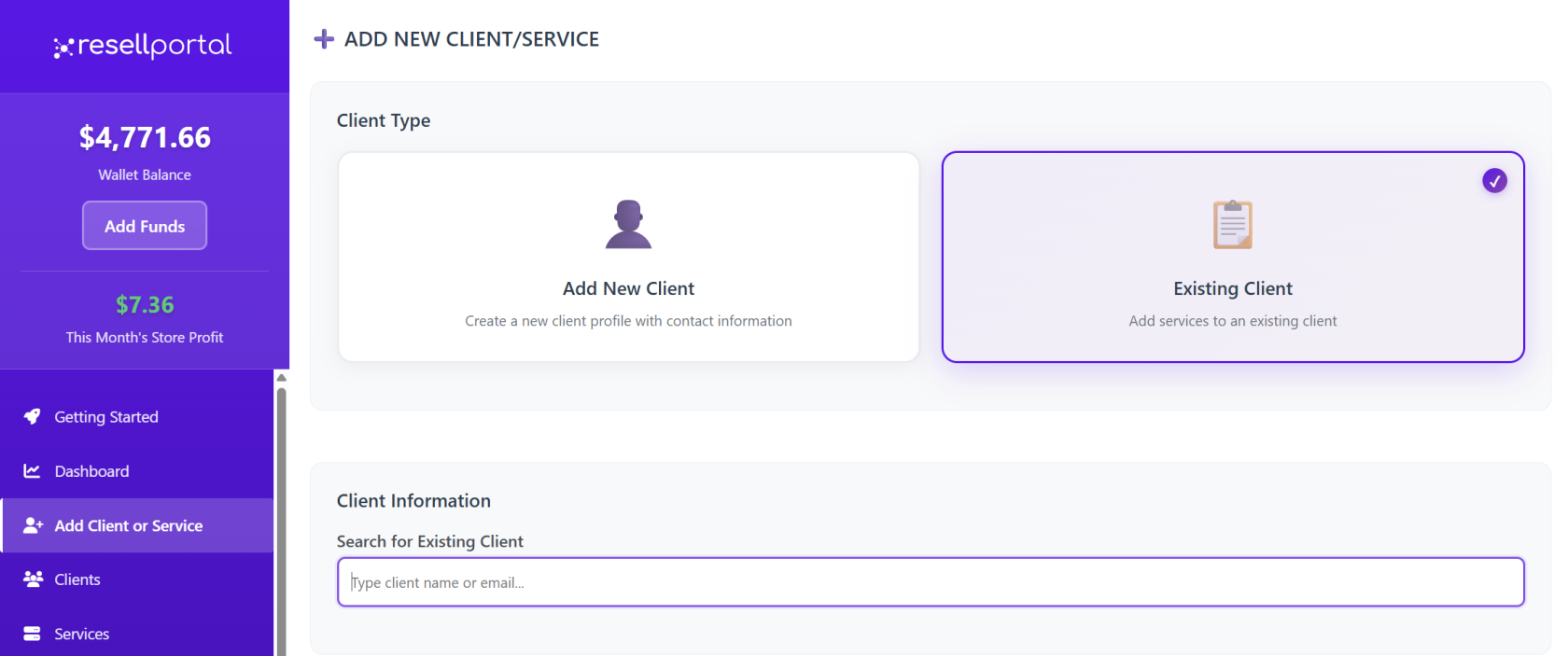
3. Enter or Select Client Information
If Adding a
specificNewactivation topicClientfor that product. -
On this topic, you’ll be prompted to:Required:-
EnterClientyour client’s detailsName(e.g., email address, domain name, company name) -
SelectClientanyEmailconfigurationAddressoptions,
suchasOptional:
location,-
type,Phone
or billing cyclenumber -
Company name
plan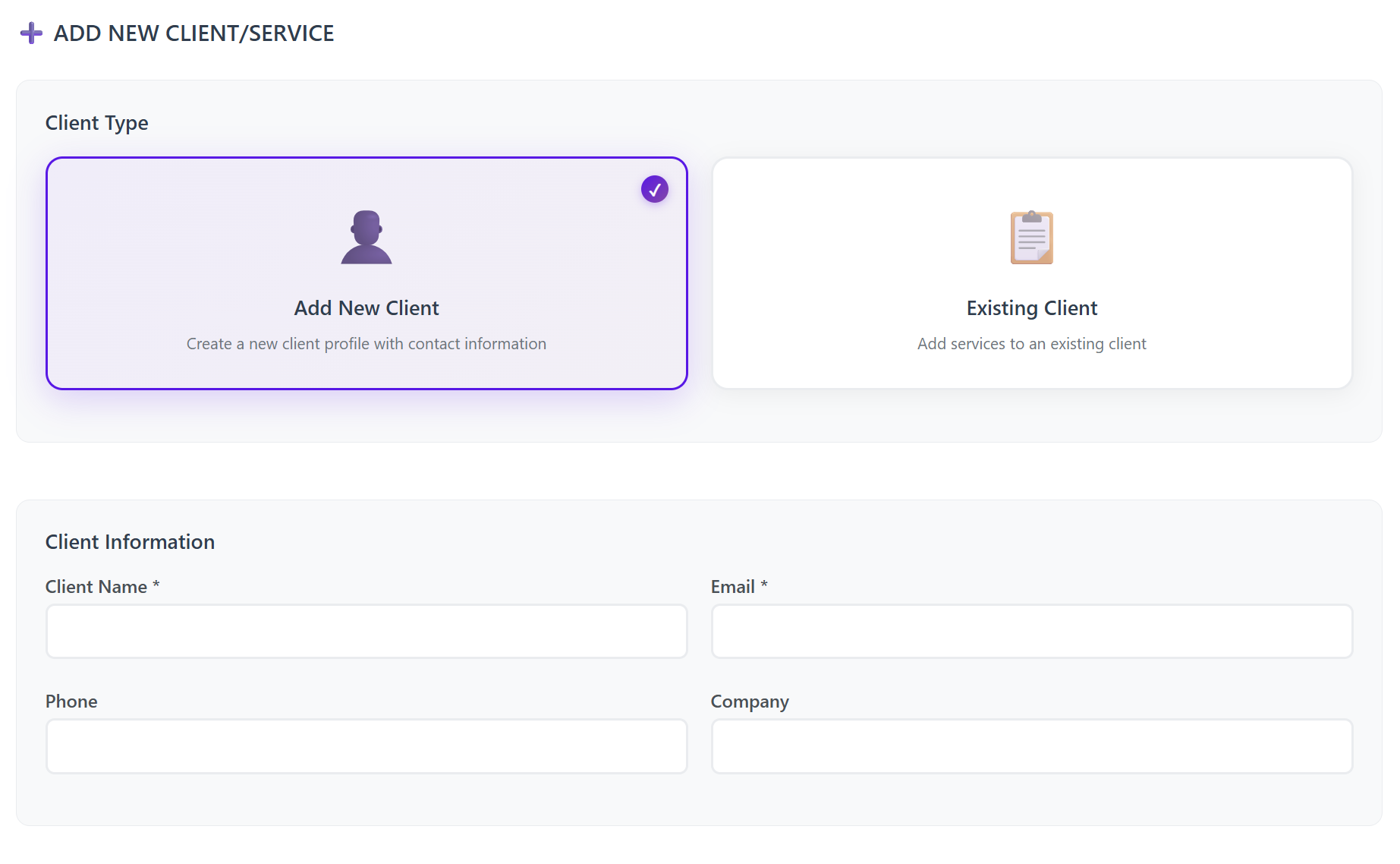
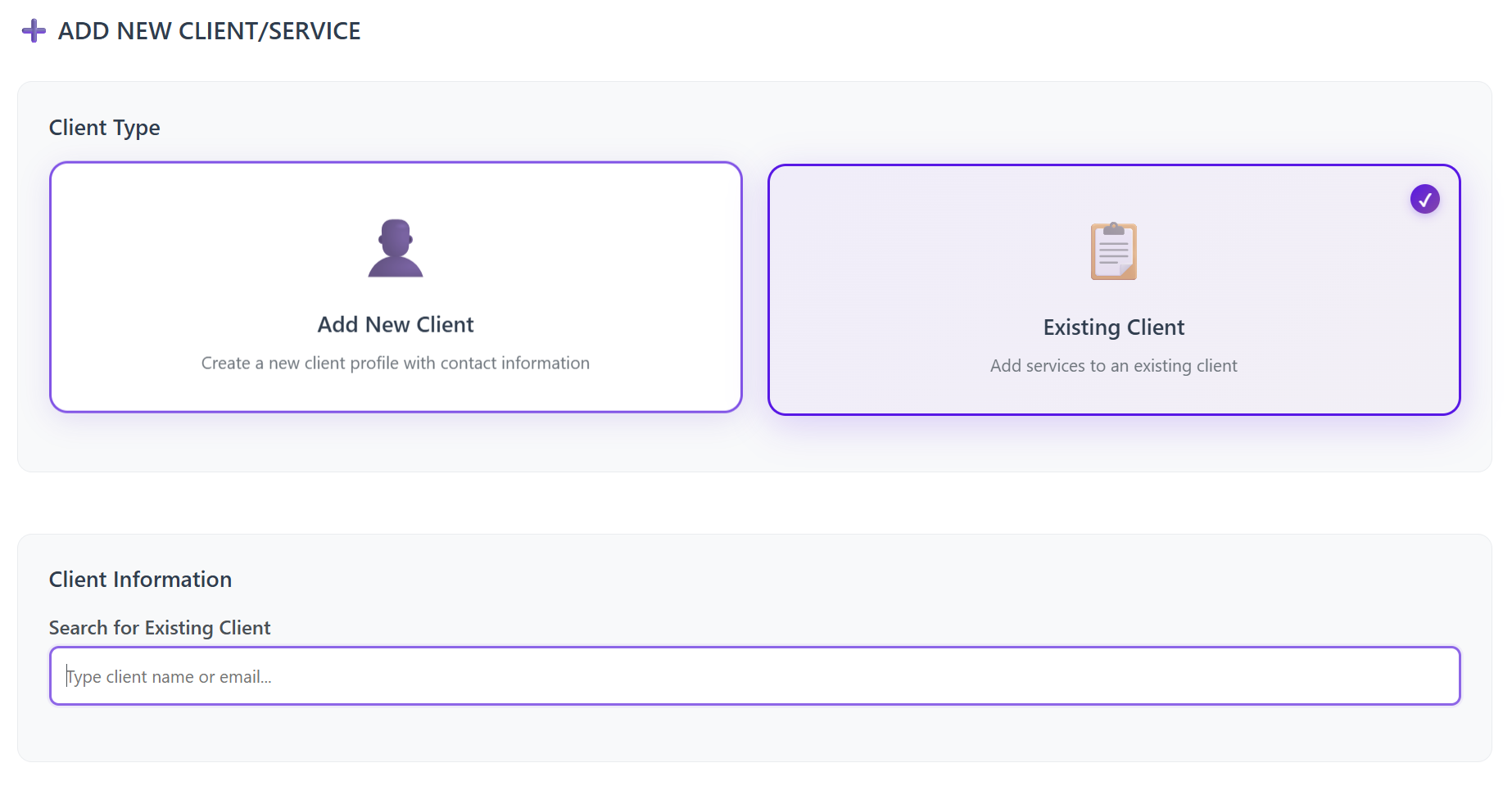
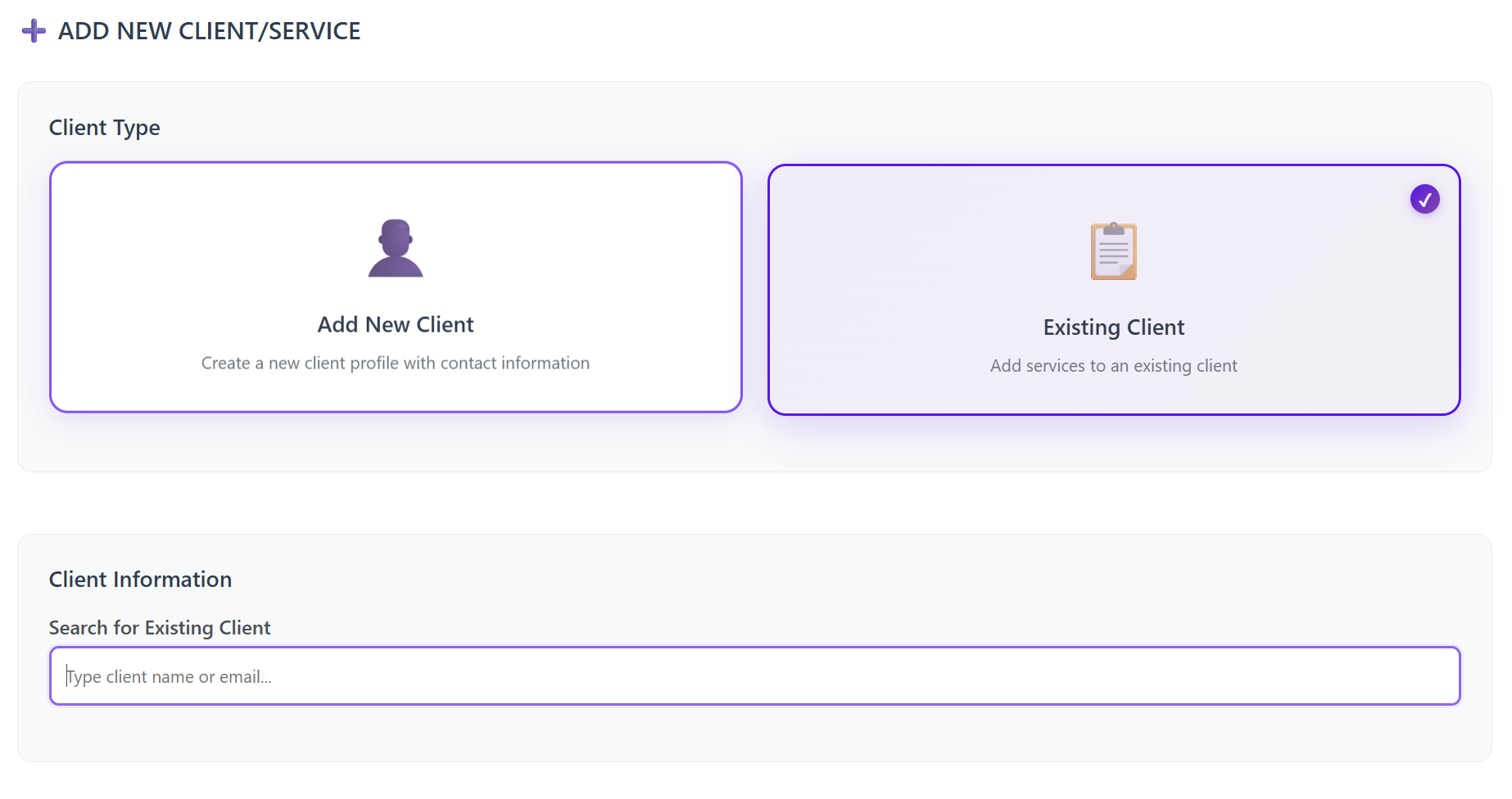
ConfirmIfpaymentSelectingusingan Existing Client-
Search by email address
-
Select the matching client record
4. Toggle the Services/Products to Assign
After selecting a client, you will see a full list of services and AI tools.
Toggle ON the services you want to activate for the client.Once confirmed, the wholesale amount is deducted from your wallet balance, so make sure your balance is funded before activation.
-
- Tools Branding Setup
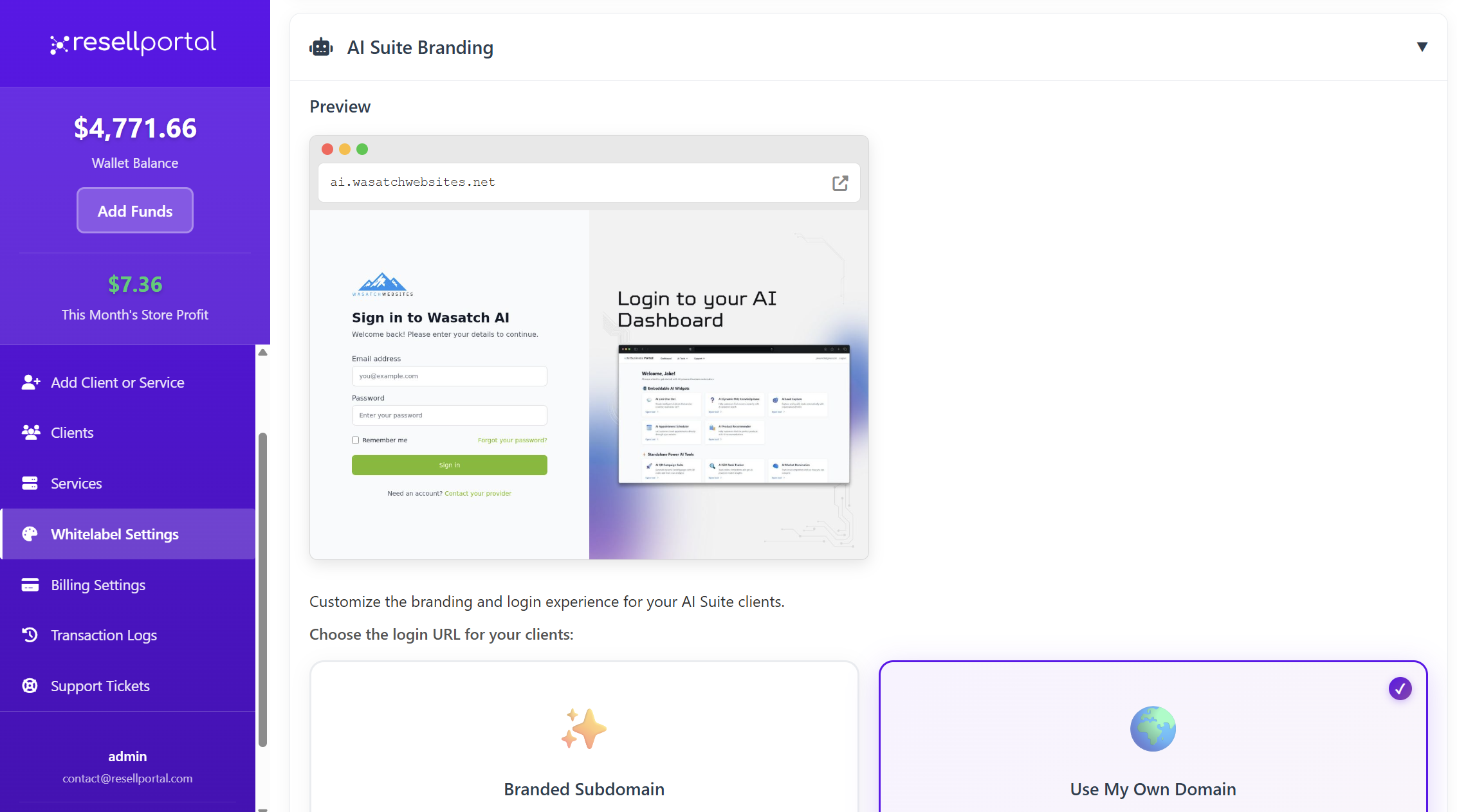
Important: AI
OnceBefore submitted,activating any AI Business Tools, you must configure your AI Whitelabel Branding:
Go to:
Settings → Whitelabel Settings → AI Branding
This ensures that your client’s AI dashboards, chatbots, and portals display your brand, not the productdefault will be provisioned for your client, and any relevant access details will be sent to their email.branding.
Available ProductsServices for& Manual ActivationPricing
Here’sBelow ais fullthe breakdownupdated list of theall wholesale products you can deployassign manually asto a reseller:client from the Add Client or Service page.
1.
VPNAI Services
Business Tools Suite
From $5.00/mo (base)
Monthly wholesale cost increases based on selected tools.
Available AI Tools:
-
UnbrandedAIappsLiveforChatiOS,BotAndroid,—Windows, and macOS$15.00 -
GlobalAIserverFAQlocationsAssistant — $10.00 -
UpAItoLead10CaptureconnectionsBotper—username$12.00 -
—Zero-loggingAIpolicyAppointmentforSchedulerprivacy
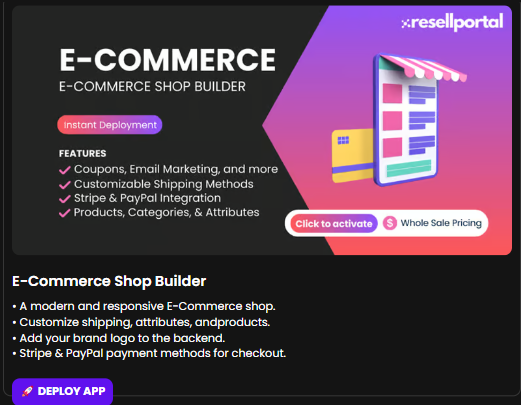
2. E-Commerce Shop Builder
Fully responsive and modern design$10.00-
CustomizeAIshipping,Productproducts,Recommenderand—attributes$15.00 -
UploadAIyourBusinessbrandIntelligencelogo—to the backend$20.00 -
StripeAIandEmailPayPalAuto-Responderintegration—for checkout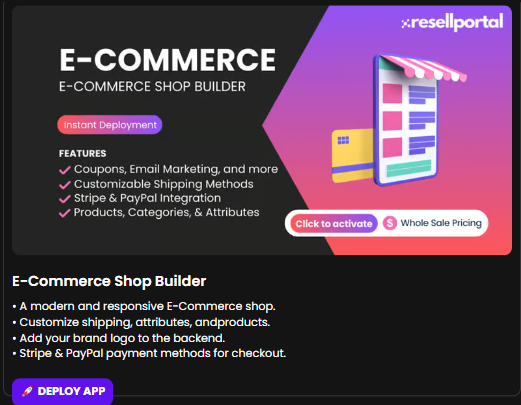
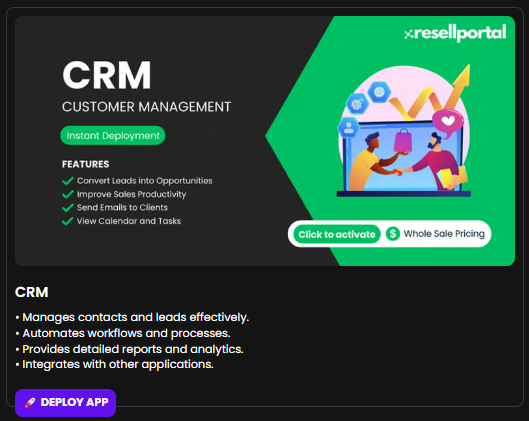
3. CRM (Customer Relationship Management)
Manage contacts, leads, and pipelines$8.00-
WorkflowAIautomationCRM Assistant — $15.00 -
Built-inAIanalyticsReviewandResponderreporting— $10.00 -
Integration with third-party tools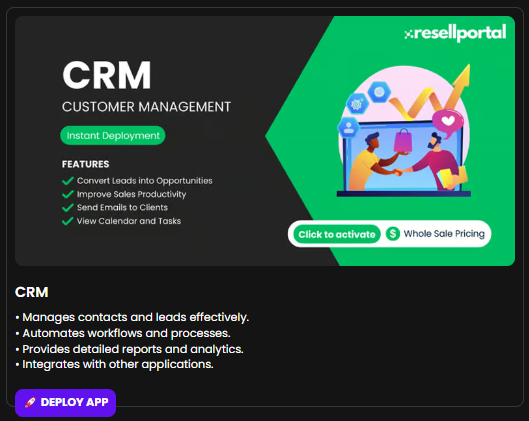
4. AI BusinessCompetitor Tools
Monitor - —
Content generation with AI$20.00-
ImageAIgenerationMarketfromDominationtext— $20.00 -
AI-poweredAIbusinessLocalassistantLeads Finder — $18.00 -
LiveAIchatbotBlogforGeneratorclient—websites

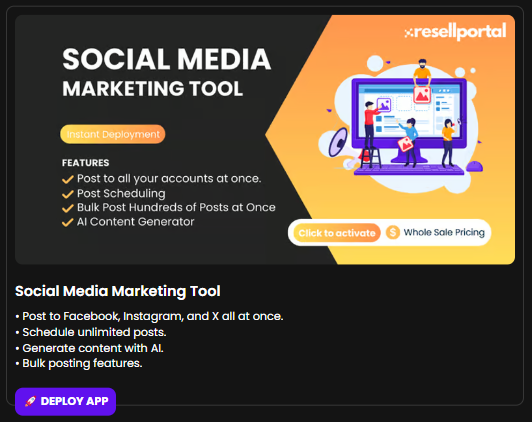
5. Social Media Marketing Tool
Post to Facebook, Instagram, and X (formerly Twitter)$12.00-
ScheduleAIunlimitedWebsitepostsHealth Monitor — $8.00 -
UseAItoQRgenerateCodeengagingGeneratorcontent— $5.00
The final monthly wholesale cost is automatically calculated based on selected tools.
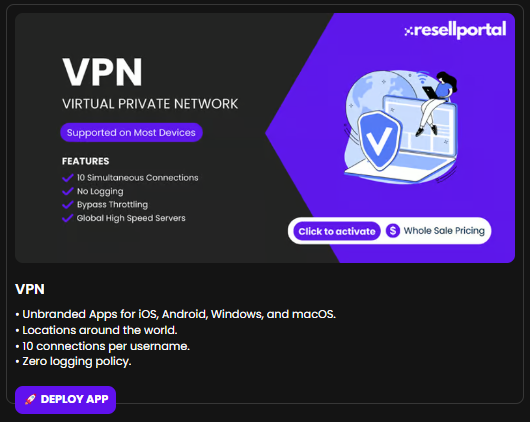
VPN Service
-
$6/month
-
multi-deviceBulkIncludespostingglobalfeaturesservers,forapps,socialandmanagers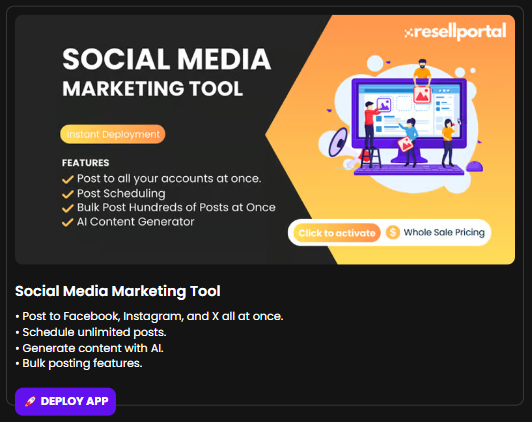
6.
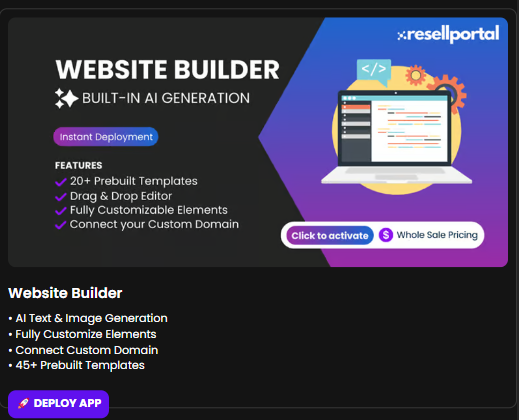
WebsiteE-SIM Builder
Data Plans
-
Drag-and-dropSelecteditor with AI text/image assistancepackage -
CustomInstantdomainQRconnectioncode activation -
45+Worldwideprebuiltsupporttemplates
SMM Services (Likes, Followers, etc.)
-
Configure order
-
FullWholesalecontrolratesover design elements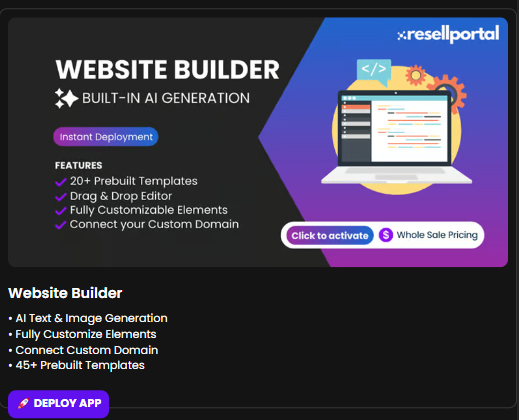
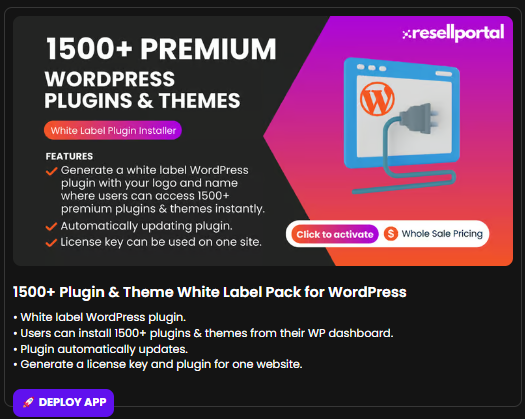
7. 1500+ Plugin & Theme White Label Pack for WordPress
Installable from WP dashboardAuto-updating pluginavailable-
Supports
licensemultiplekey generation for individual websites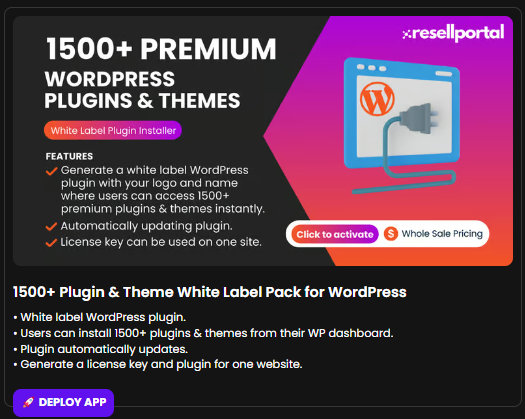
8.
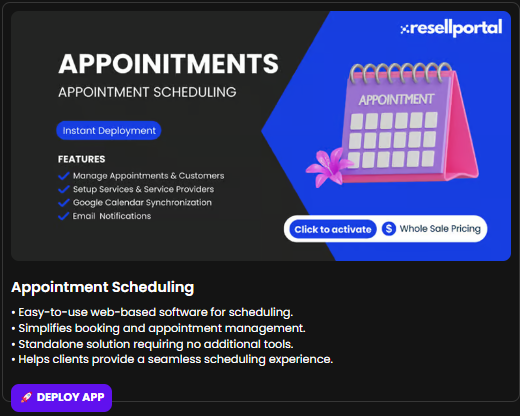
AppointmentWebsite Scheduling Software
Builder
-
Web-based appointment booking system$10/month -
NoDrag-and-dropthird-partybuildertoolswithrequired
AIClean interface for managing time slotstemplates andavailabilityIdeal for service-based businesses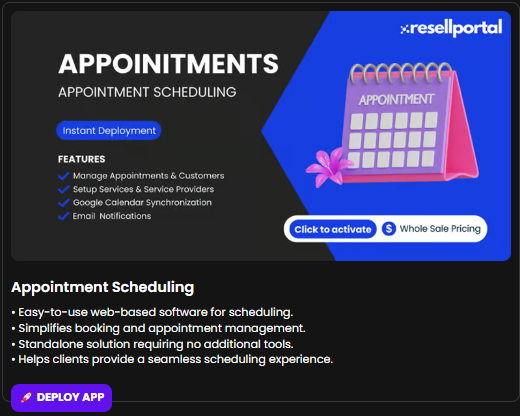
9.
HostingWordPress Services
Plugin Installer Pack
-
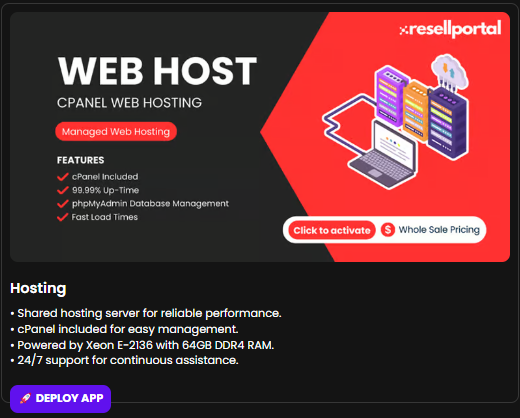
Shared hosting with Xeon E-2136 and 64GB DDR4 RAM cPanel includedReliable uptime and 24/7 technical support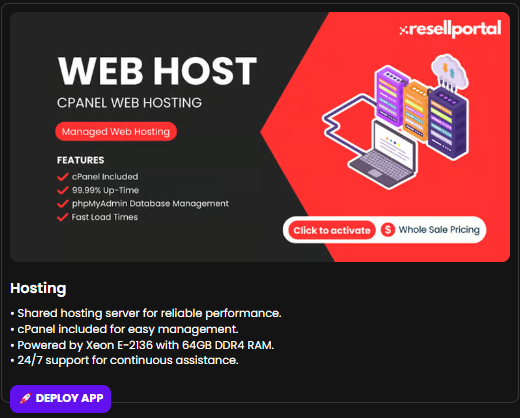
10. Social Media Services
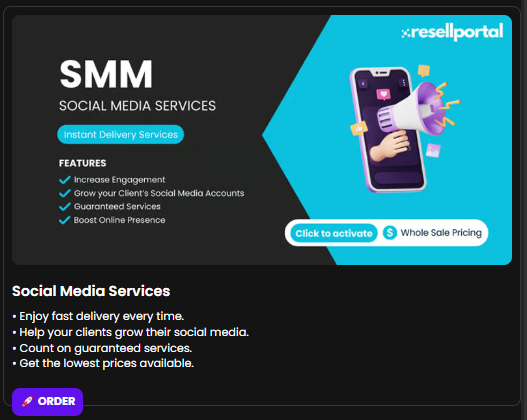
Resell social growth servicesFast delivery guaranteedCompetitive wholesale pricingGreat for influencer or business growth packages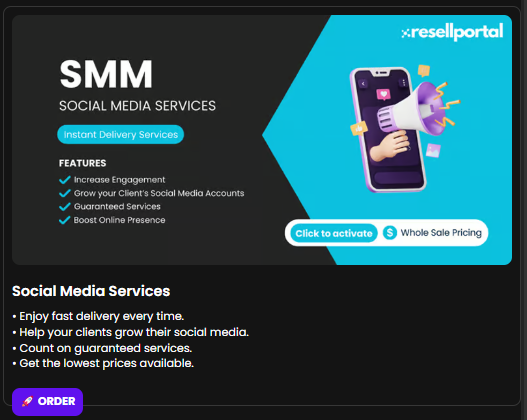
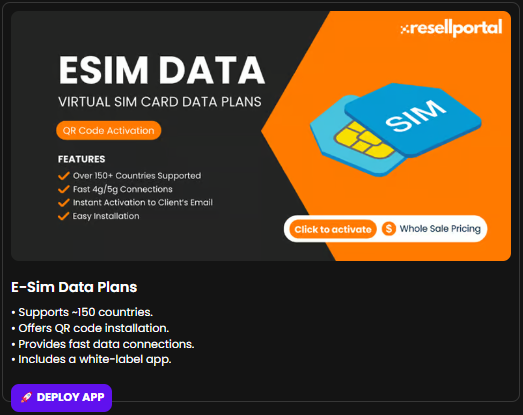
11. E-SIM Data Plans
Coverage in ~150 countriesQR code setup for instant activationHigh-speed global data$10/month-
White-label
1500+mobilebundleappofprovided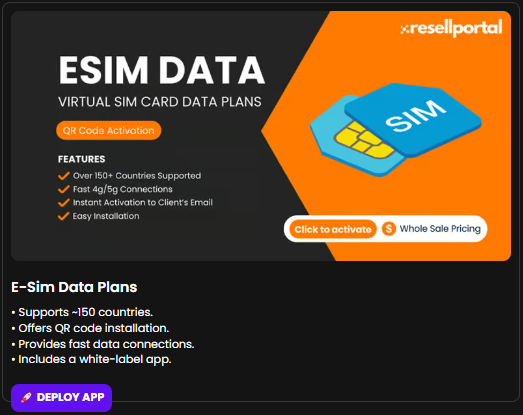
12.
WebSocial DesignMedia Services
Automation
-
Professionally designed websites for business, e-commerce, and more$15/month -
Mobile-friendlyScheduleandpostsresponsive& generate AI content
Web Hosting
-
$15/month
-
BasiccPanel,SEOSSDincludedhosting, 24/7 uptime monitoring
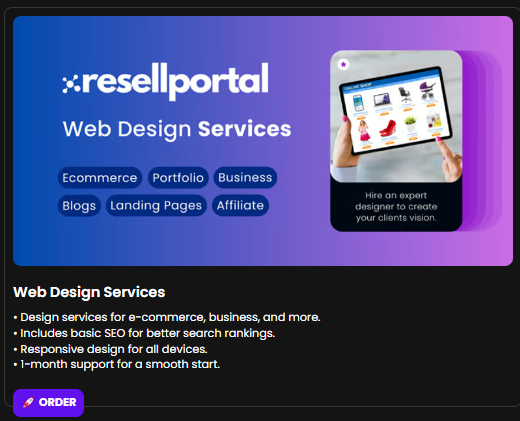
Web Design Service
-
Starting at $50.00
-
websiteOne-monthProfessionalafter-salescustomsupport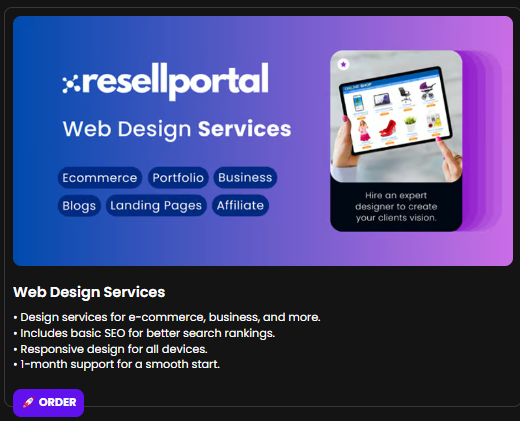
13.
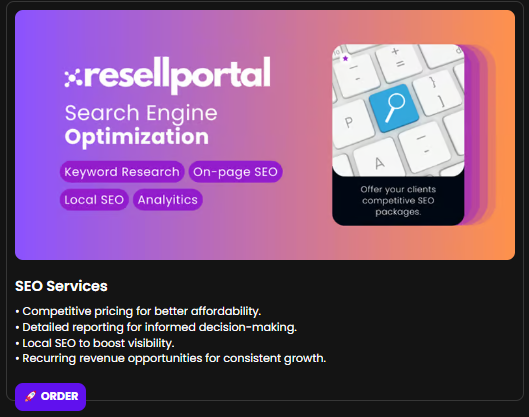
Monthly SEO Services
Service
-
Affordable local and global SEO options$200/month -
RecurringOngoingservicewhite-labeledpackagesSEOavailable
Using Your Wallet Balance
Whenever you assign a service:
-
The wholesale amount is immediately deducted from your wallet
-
White-labelThemonthlyproductreportingis automatically provisioned -
toIdealAccessfordetailsdigitalaremarketingemailedagencies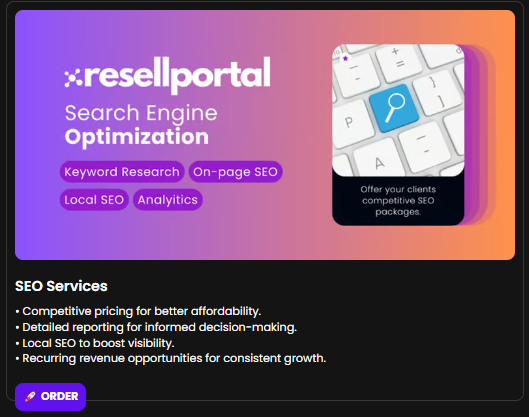
Make sure to top up your wallet before adding multiple services.
Best Practices for Resellers
-
CheckAlways check your wallet balance beforeinitiatingactivatingany activation.services -
Use
client-specificunique emails per client tokeepavoidservicecross-account accessorganized. -
ClearlySetcommunicateupbillingAIintervalsbranding(monthly,beforequarterly,enablingetc.)AIif applicable.tools -
ReviewDouble-checkconfigurationservicefields carefully on the product’s activation topic—many servicesconfigurations—some cannot beeditedchangedafter deployment.later -
Bundle services (e.g.,
E-Commerce BuilderHosting +HostingWebsite Builder + SEO) to increasevaluerevenueand -
perUse
client.existing clients when possible for cleaner management
Summary Table
| Section | Purpose |
|---|---|
Form |
|
| Product |
|
With
For more details and information on how to use each product and access it, refer to the Software Usage section.