
How to Manually Add Services & Clients
Add Client or Service — ResellPortal Documentation (Updated 2025 Platform)
The Add Client or Service section allows you to create new clients, manage existing clients, and assign digital products or AI services directly from your reseller wallet. This feature is designed for agencies, resellers, and service providers who deliver white-labeled solutions on behalf of their clients.
What This Section Allows You To Do
-
Add a new client or select an existing client
-
Assign one or more services, products, or AI tools to that client
-
Deduct wholesale costs directly from your wallet balance
-
Deliver fully white-labeled, branded services
-
Manage individual client subscriptions and activations
How to Add a Client or Service
1. Accessing the Section
-
Log in to your ResellPortal dashboard
-
In the left sidebar, click “Add Client or Service”
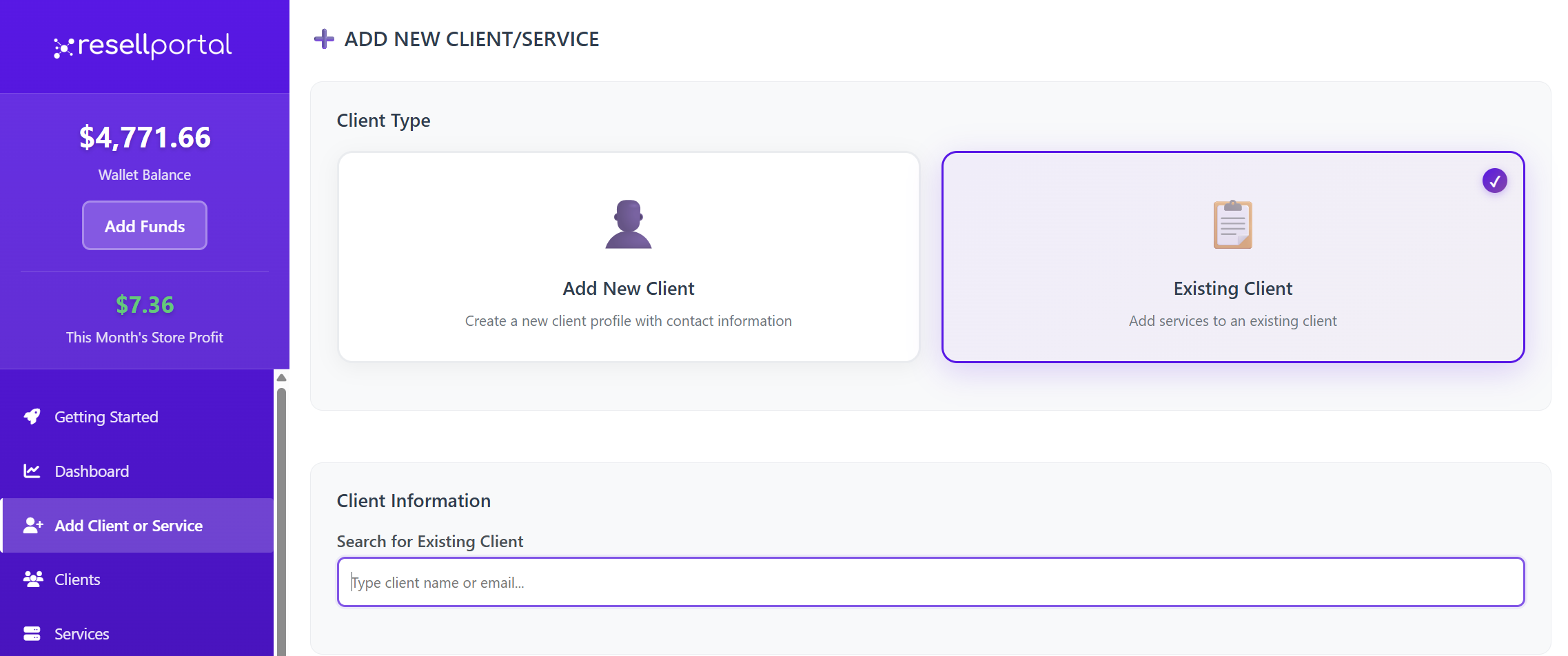
2. Choose Client Type
You will be prompted to choose:
Add New Client or Use Existing Client
3. Enter or Select Client Information
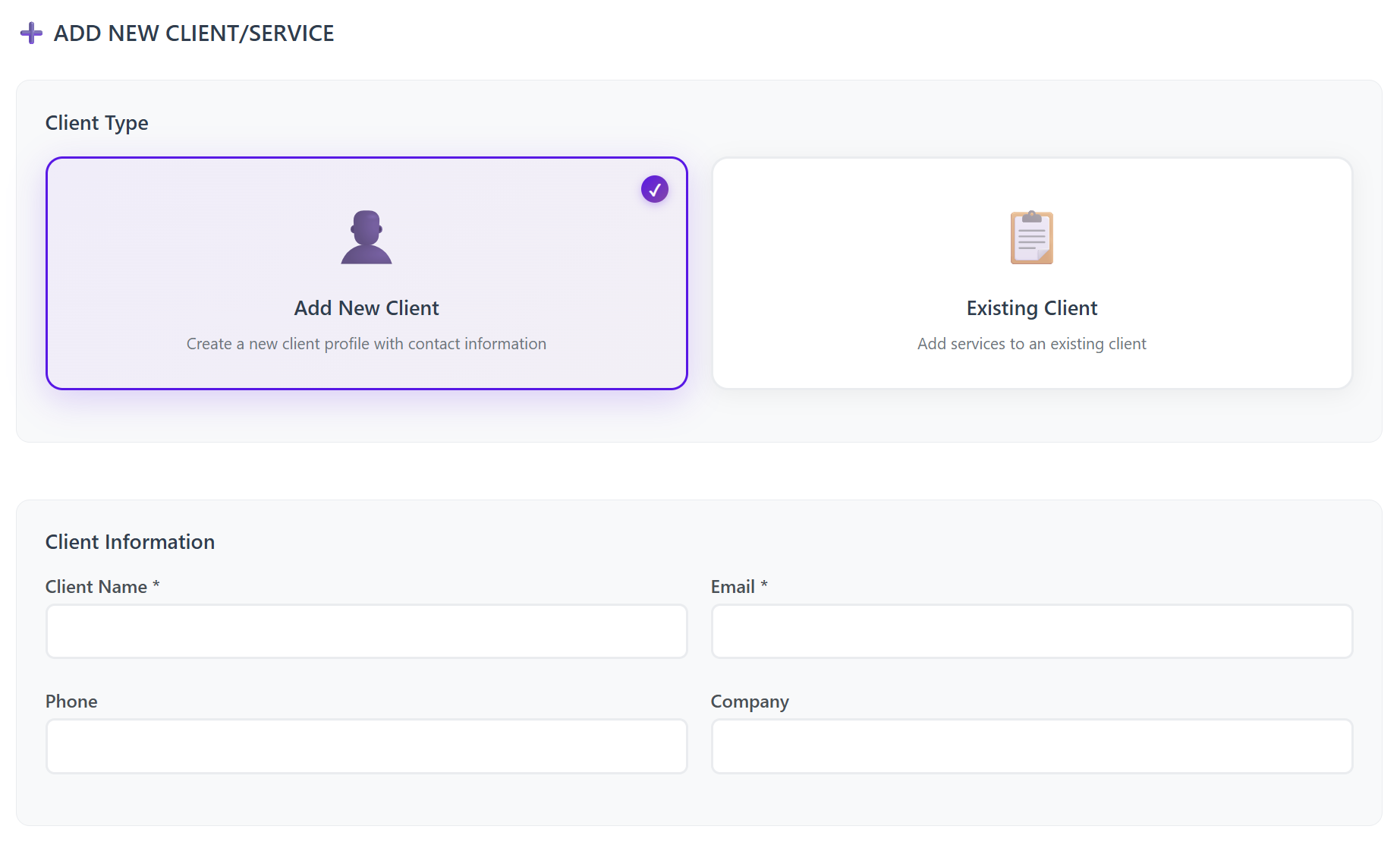
If Adding a New Client
Required:
-
Client Name
-
Client Email Address
Optional:
-
Phone number
-
Company name
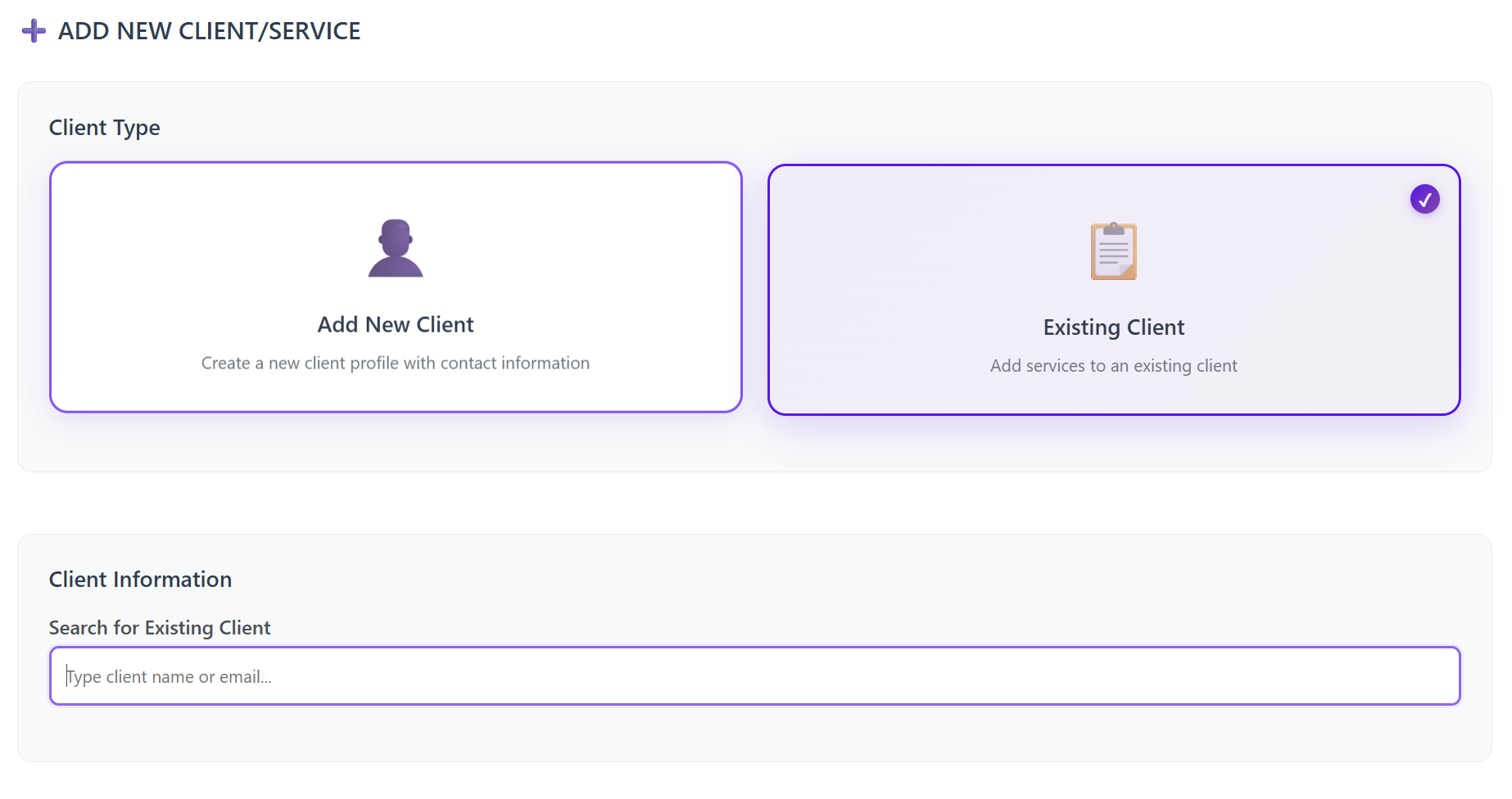
If Selecting an Existing Client
-
Search by email address
-
Select the matching client record
4. Toggle the Services/Products to Assign
After selecting a client, you will see a full list of services and AI tools.
Toggle ON the services you want to activate for the client.
Once confirmed, the wholesale amount is deducted from your wallet balance, so make sure your balance is funded before activation.
Important: AI Tools Branding Setup
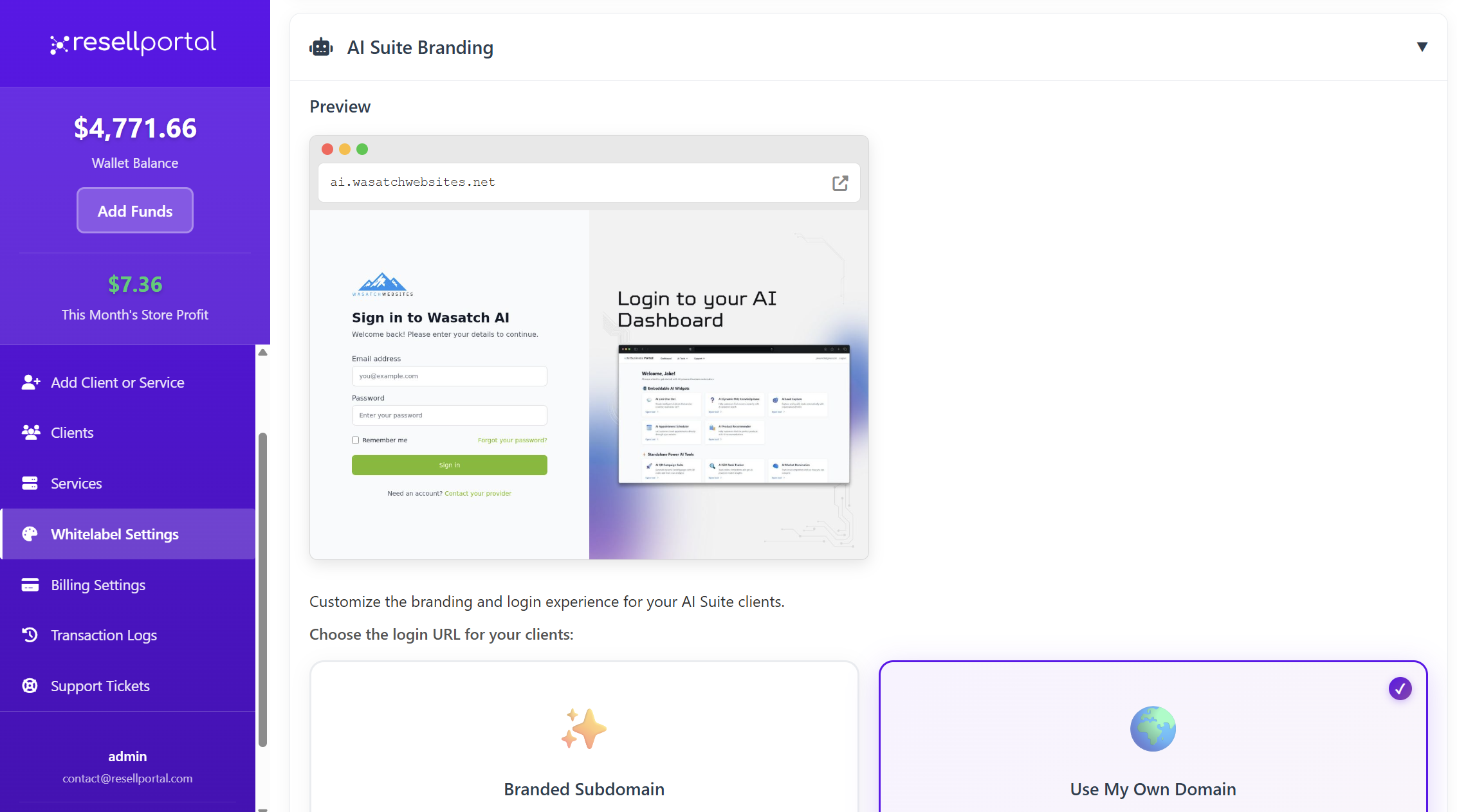
Before activating any AI Business Tools, you must configure your AI Whitelabel Branding:
Go to:
Settings → Whitelabel Settings → AI Branding
This ensures that your client’s AI dashboards, chatbots, and portals display your brand, not the default branding.
Available Services & Pricing
Below is the updated list of all wholesale products you can assign to a client from the Add Client or Service page.topic.
AI Business Tools Suite
From $5.00/mo (base)
Monthly wholesale cost increases based on selected tools.
Available AI Tools:
-
AI Live Chat Bot — $15.00
-
AI FAQ Assistant — $10.00
-
AI Lead Capture Bot — $12.00
-
AI Appointment Scheduler — $10.00
-
AI Product Recommender — $15.00
-
AI Business Intelligence — $20.00
-
AI Email Auto-Responder — $8.00
-
AI CRM Assistant — $15.00
-
AI Review Responder — $10.00
-
AI Competitor Monitor — $20.00
-
AI Market Domination — $20.00
-
AI Local Leads Finder — $18.00
-
AI Blog Generator — $12.00
-
AI Website Health Monitor — $8.00
-
AI QR Code Generator — $5.00
The final monthly wholesale cost is automatically calculated based on selected tools.
VPN Service
-
$6/month
-
Includes global servers, apps, and multi-device support
E-SIM Data Plans
-
Select package
-
Instant QR code activation
-
Worldwide support
SMM Services (Likes, Followers, etc.)
-
Configure order
-
Wholesale rates available
-
Supports multiple platforms
Website Builder
-
$10/month
-
Drag-and-drop builder with templates and AI assistance
WordPress Plugin Installer Pack
-
$10/month
-
White-label bundle of 1500+ plugins & themes
Social Media Automation
-
$15/month
-
Schedule posts & generate AI content
Web Hosting
-
$15/month
-
cPanel, SSD hosting, 24/7 uptime monitoring
Web Design Service
-
Starting at $50.00
-
Professional custom website builds
Monthly SEO Service
-
$200/month
-
Ongoing white-labeled SEO
Using Your Wallet Balance
Whenever you assign a service:
-
The wholesale amount is immediately deducted from your wallet
-
The product is automatically provisioned
-
Access details are emailed to your client (unless manual deployment is required)
Make sure to top up your wallet before adding multiple services.
Best Practices for Resellers
-
Always check your wallet balance before activating services
-
Use unique emails per client to avoid cross-account access
-
Set up AI branding before enabling AI tools
-
Double-check service configurations—some cannot be changed later
-
Bundle services (e.g., Hosting + Website Builder + SEO) to increase revenue
-
Use existing clients when possible for cleaner management
Summary Table
| Section | Purpose |
|---|---|
| Add Client or Service | Add or select clients and assign paid services |
| Client Form | Input required contact details |
| Product Toggles | Enable or disable services per client |
| Wallet Deduction | Wholesale cost deducted instantly after activation |
| Whitelabel Settings | Configure branding for AI tools |