
AI Local Leads Finder
The AI Local Leads Finder helps you discover local businesses that match your ideal customer profile, identify pain points they’re struggling with, and automatically generate high-converting outreach emails.
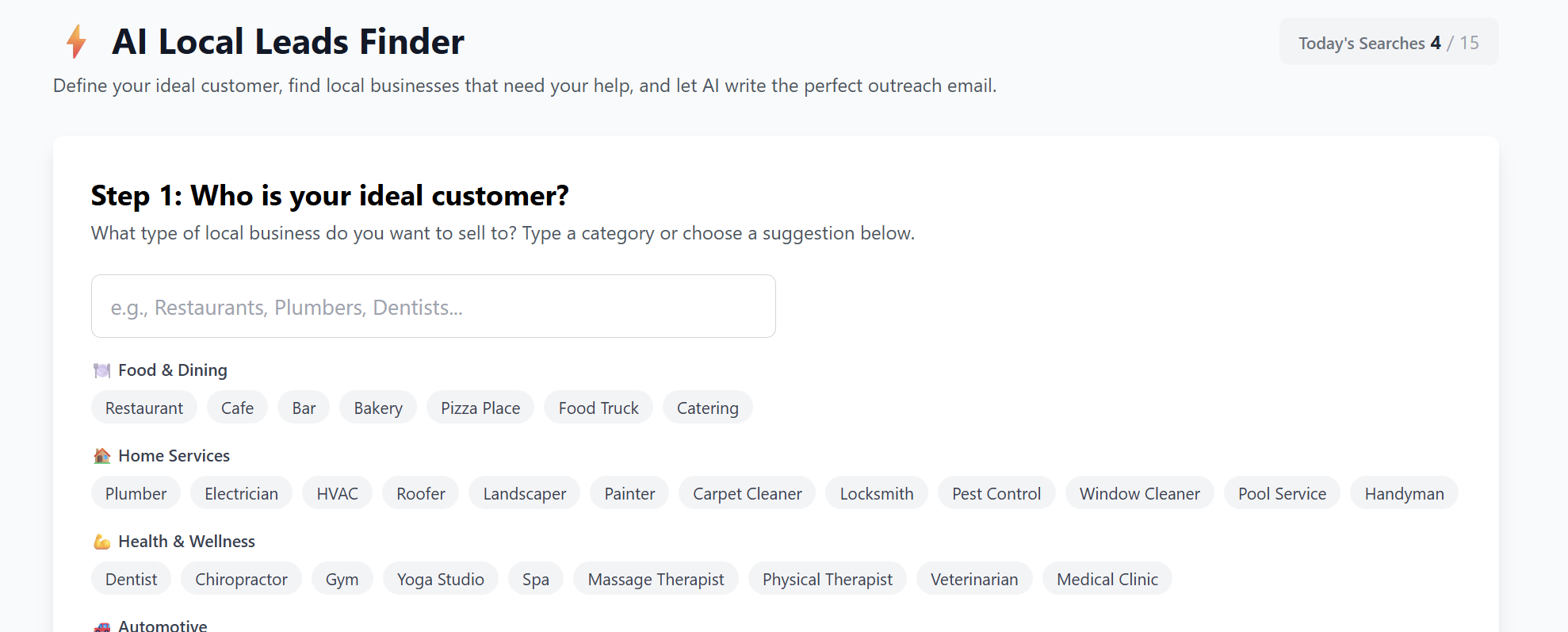
Step 1 — Define Your Ideal Customer
Start by choosing what type of local business you want to target.
You can type a category (e.g., Dentists, Restaurants, Plumbers) or choose from the built-in major groups:
Main Business Categories
-
Food & Dining — restaurants, cafes, bakeries, bars
-
Home Services — plumbers, electricians, HVAC, landscapers, roofer
-
Health & Wellness — dentists, chiropractors, gyms, spas
-
Automotive — auto repair, car washes, dealerships, detailers
-
Beauty & Personal Care — salons, barbers, tattoo studios
-
Professional Services — lawyers, real estate agents, accountants
-
Retail — clothing, electronics, pet stores, florists
-
Construction & Contractors — builders, remodelers, flooring
-
Entertainment & Leisure — hotels, event venues, theaters
-
Other Local Services — IT services, repair shops, tutors, dog groomers
Choose the category that fits the clients you want — then click Next.
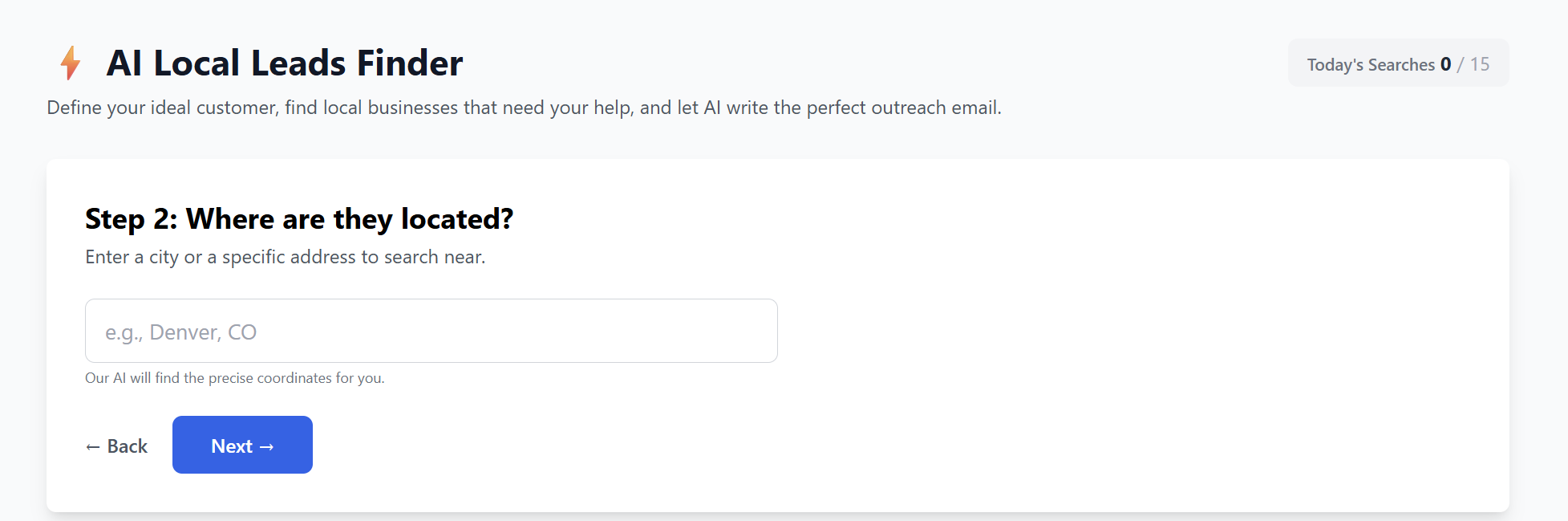
Step 2 — Choose Your Location
Tell the system where to search for leads:
-
Enter a city, like Miami, FL
-
Or enter a specific address
Click Next to continue.
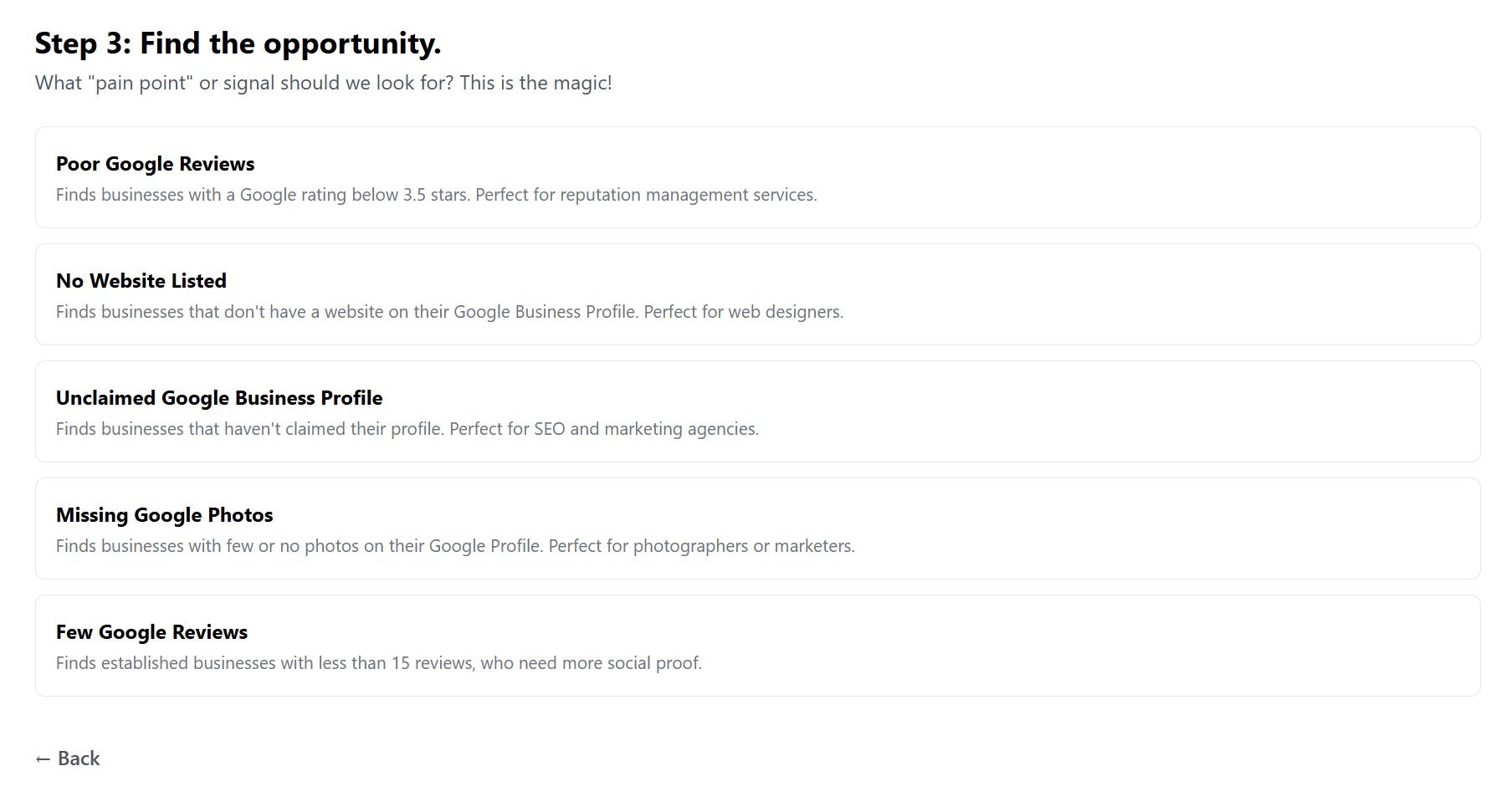
Step 3 — Choose the Pain Point to Search For
Select what type of opportunity or problem you want the AI to find.
Available Opportunity Signals
-
Poor Google Reviews
Locates businesses with below 3.5 stars — ideal for reputation management. -
No Website Listed
Finds businesses missing a website — perfect for web designers & agencies. -
Unclaimed Google Business Profile
Great for SEO agencies and digital marketers. -
Missing Google Photos
Ideal for photographers, marketers, and branding services. -
Few Google Reviews
Targets established businesses with less than 15 reviews — perfect for review growth services.
Once you select a signal, click Find Leads.
Step 4. Results — Leads Found
After a short scan, you’ll see a list of businesses that match:
-
Your industry category
-
Your location
-
Your selected pain point
Each lead typically includes:
-
Business name
-
Address
-
Rating (if relevant)
-
Website status
-
The exact issue detected
From here, the system can:
-
Generate a personalized outreach email
-
Save or export leads
-
Allow you to repeat or refine your search
Recent Searches (History)
Your previous searches appear in the Recent Searches section, letting you:
-
Revisit past lead lists
-
Re-run a search
-
Track outreach efforts
You can access past searches anytime to continue building your pipeline.
