
Coupon manager User Guide
The Coupon Manager is a powerful marketing tool that allows you to drive sales, run seasonal promotions, and reward loyal customers by offering percentage-based discounts on your services.
Overview
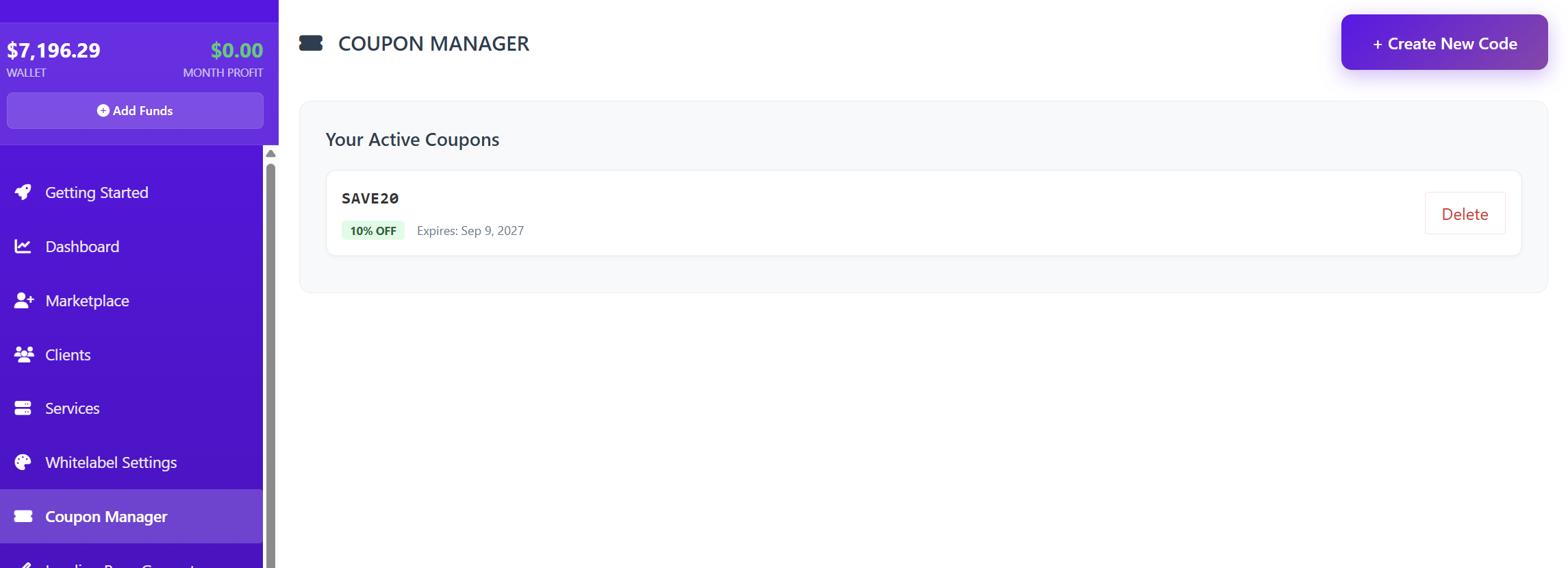
From the Coupon Manager dashboard, you can view all your Active Coupons at a glance. If you haven't created any yet, you will see a prompt to get started.
To create your first promotion, click the "+ Create New Code" button in the top right corner.
Creating a Discount Code
When you click to create a new code, a setup window will appear with the following configuration options:
1. Coupon Details
-
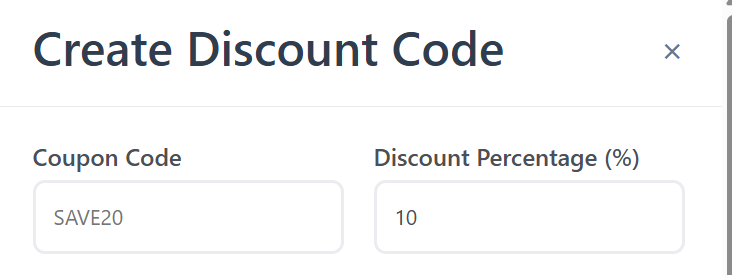
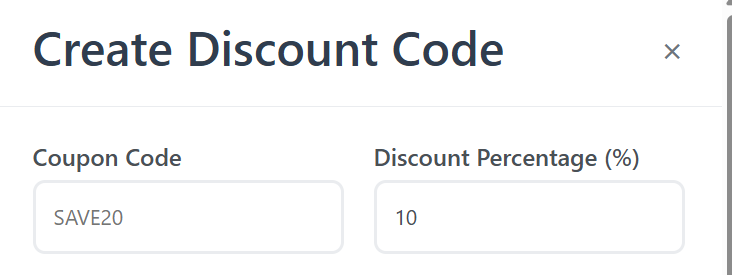
Coupon Code: Enter the text your customers will type at checkout (e.g., WELCOME10 or SUMMER2024).
-
Discount Percentage (%): Define how much of a discount to apply.
-
Note: This discount is deducted from the retail price you set in your "Products & Pricing" tab.
-
2. Product Selection
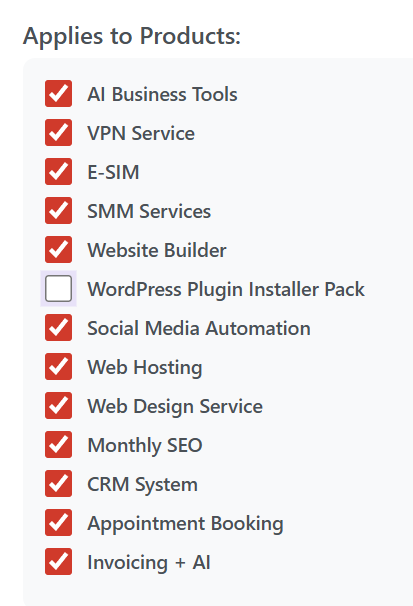
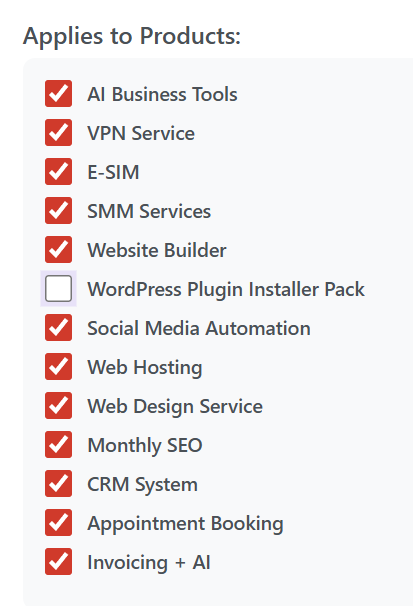
You have full control over which services the coupon can be used for. You can "Select All" or check specific boxes for services such as:
-
AI Business Tools & SMM Services
-
VPN & E-SIM Services
-
Web Hosting, Web Design, & SEO
-
CRM, Invoicing, and Appointment Booking
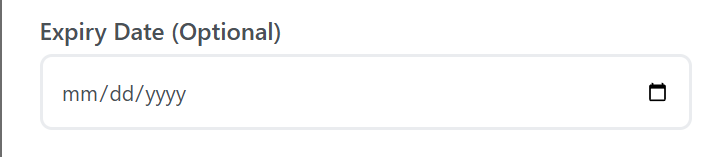
3. Expiry Date (Optional)
You can set a specific date for the coupon to automatically deactivate. This is perfect for "Limited Time Offers" or holiday weekend sales. If left blank, the coupon will remain active indefinitely until you manually delete it.
4. Site Banner (Sticky Top Bar)
This is a high-visibility feature. By checking the "Display as Site Banner?" box, a sticky notification bar will appear at the very top of your public storefront.
-
Why use this? It ensures that every visitor to your site immediately sees your promotion without needing to find it in an email or social media post.


Managing Your Coupons
Once created, your coupons will appear in a list on the main Coupon Manager page. From here, you can monitor which codes are active and manage them as your marketing strategy evolves.
Pro-Tip: Use the Sticky Top Bar for your most aggressive offer to lower the barrier to entry for new clients visiting your store for the first time!