
AI Competitor Monitor
The AI Competitor Monitor helps you track your competitors’ keyword rankings and receive AI-powered insights to improve your SEO strategy and outperform them in search results.
Found under AI SEO Rank Tracker: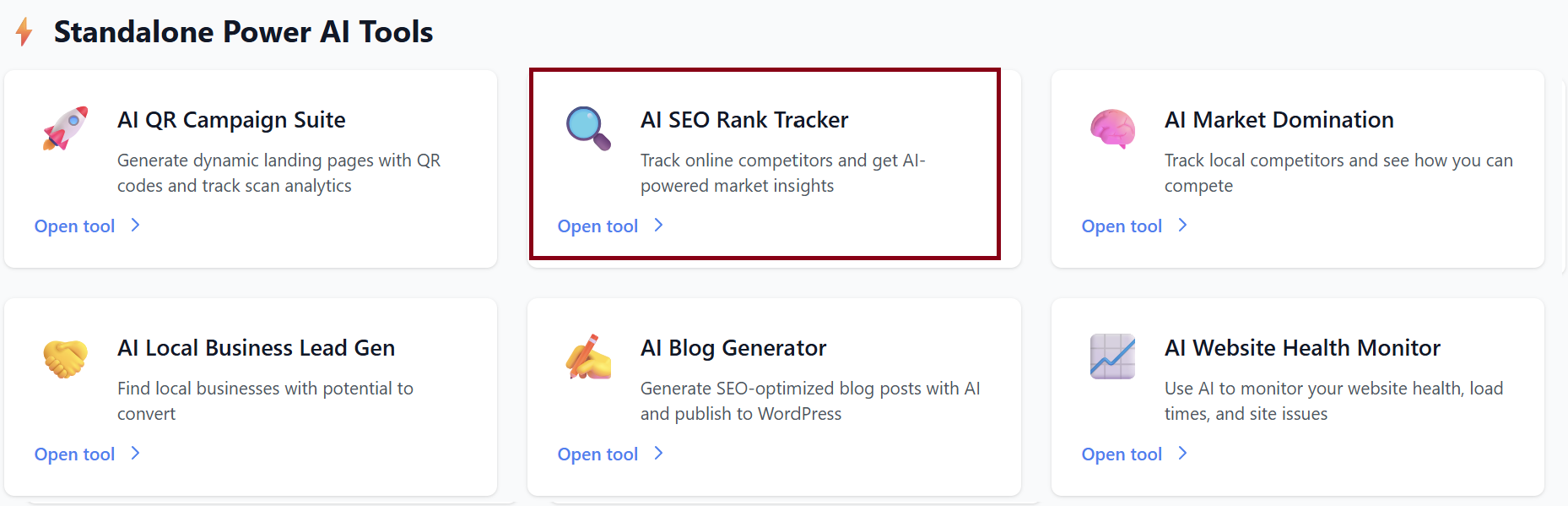
Overview Dashboard
When you open the Competitor Monitor, follow the following steps:
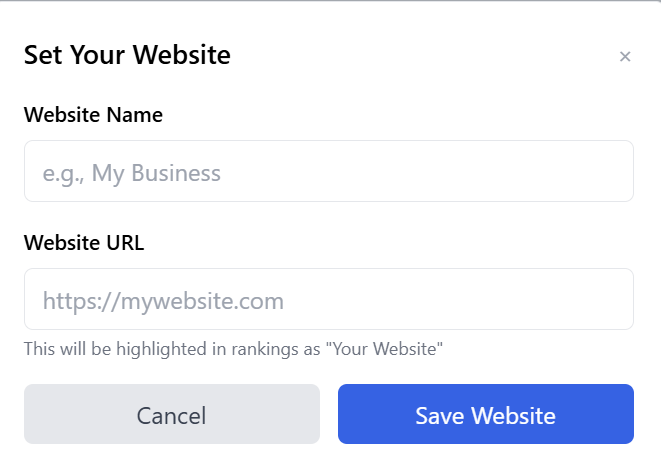
Step 1: Add your website
You can also edit your website settings anytime by clicking ✏️ Edit Website.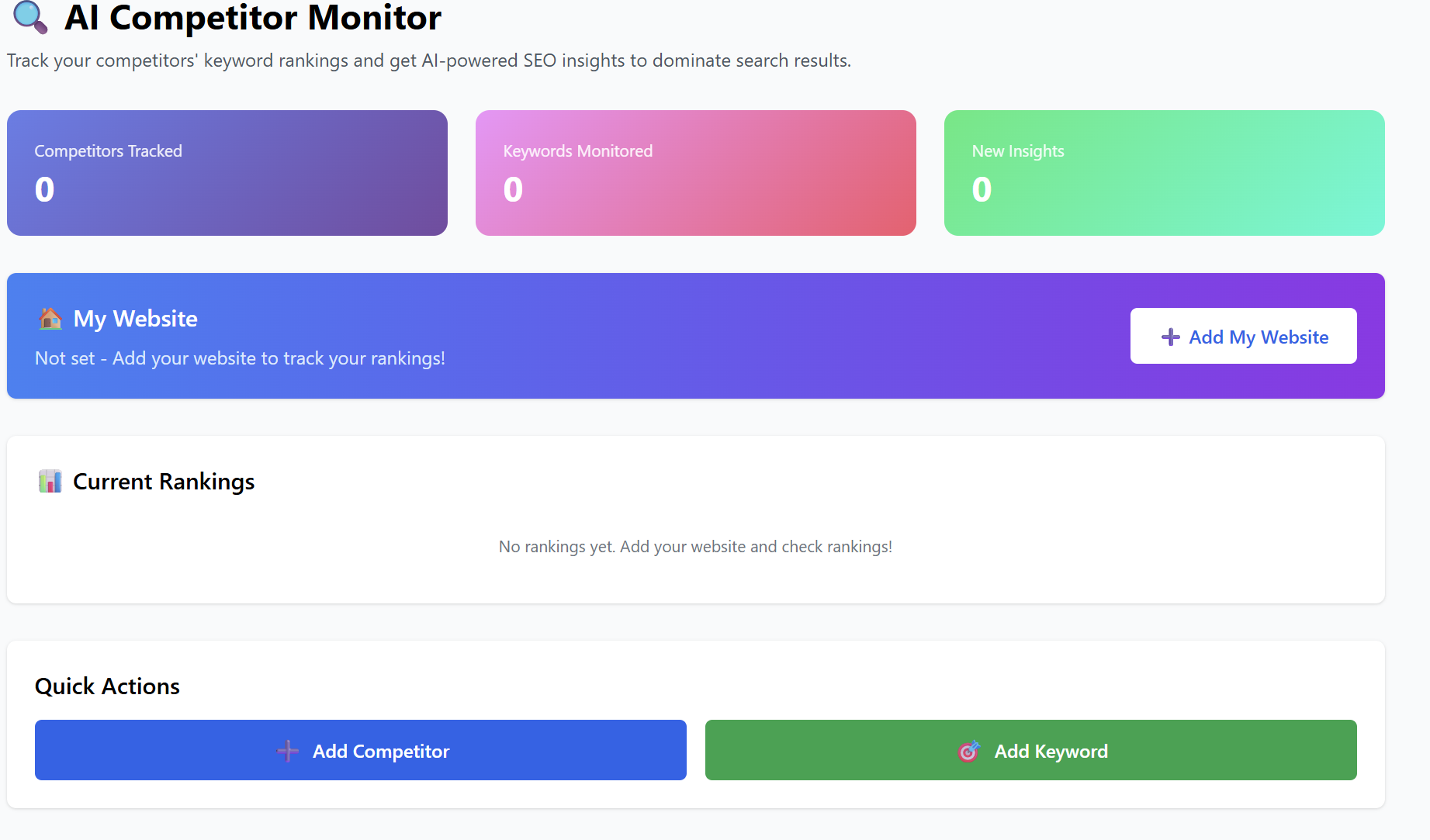
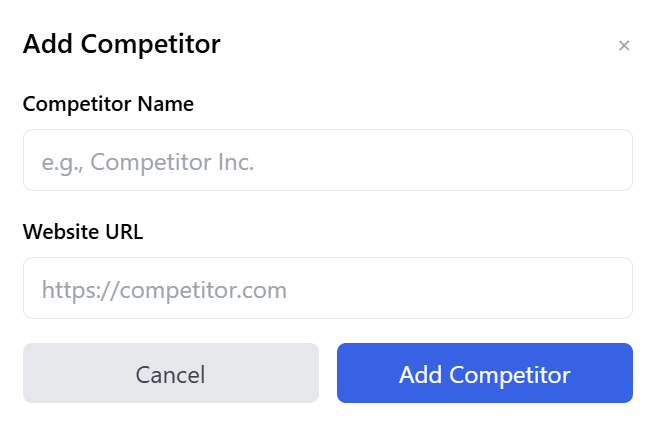
Step 2: Add your competitors (recommended up to 5)
Monitor up to 5 competitors by tracking their domain and comparing their SEO performance to yours.
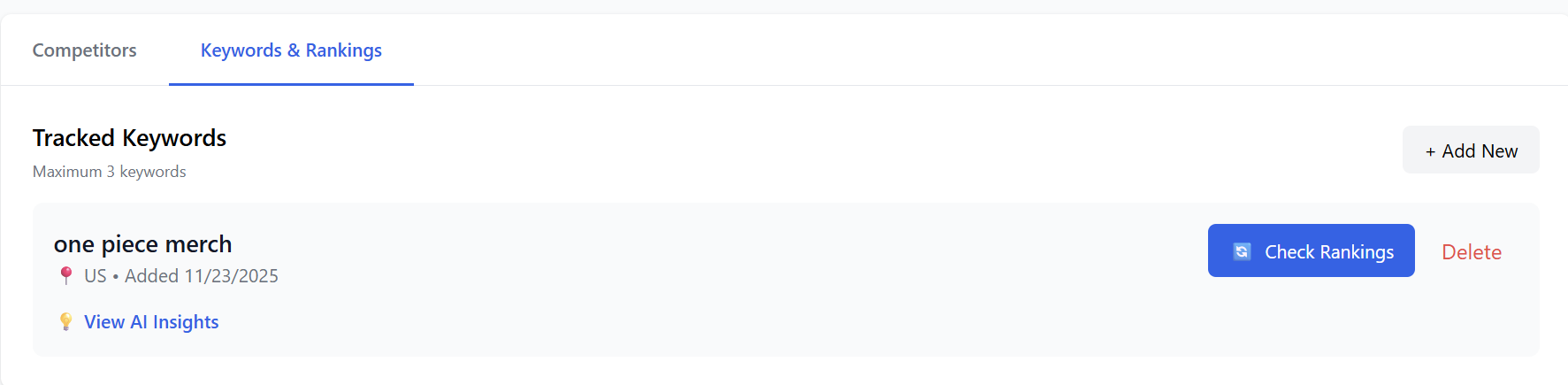
Step 3: Add Keyword
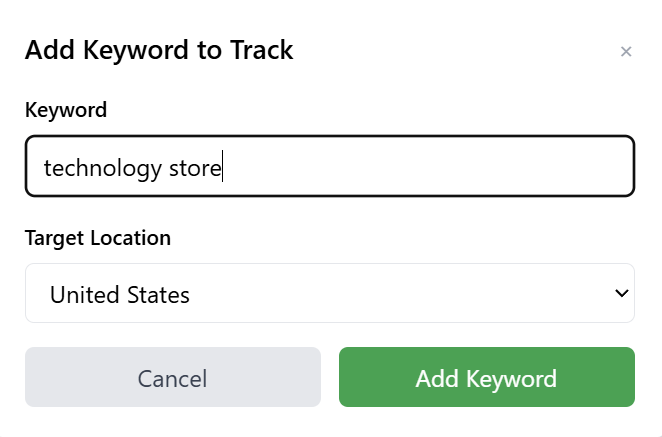
Add new keywords you want the system to monitor over time.
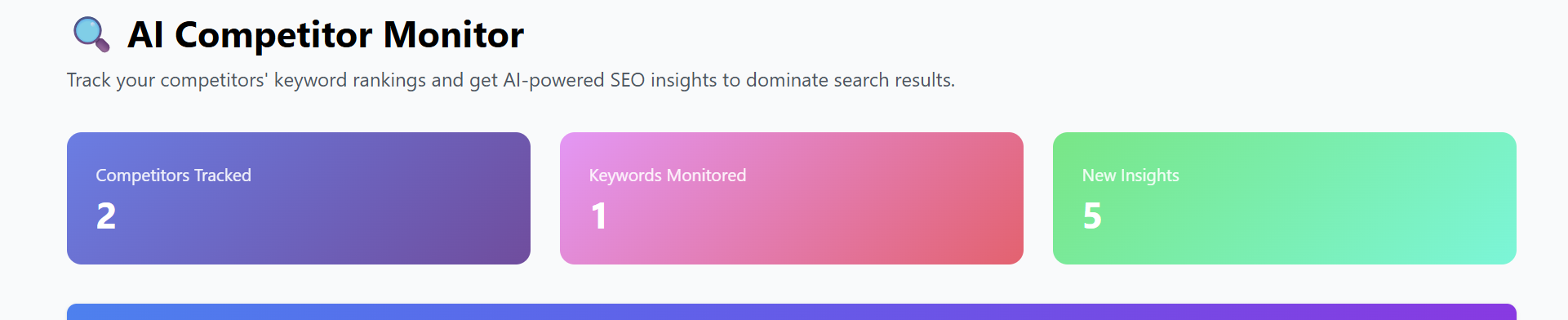
Once they are added, you’ll be able to see your main metrics at a glance:
-
Competitors Tracked: 2
-
Keywords Monitored: 1
-
New Insights: 5
-
Your Website:
https://onepieceapparel.com
Current Rankings
You’ll see the list of keywords you're monitoring along with their live ranking.
Example:
-
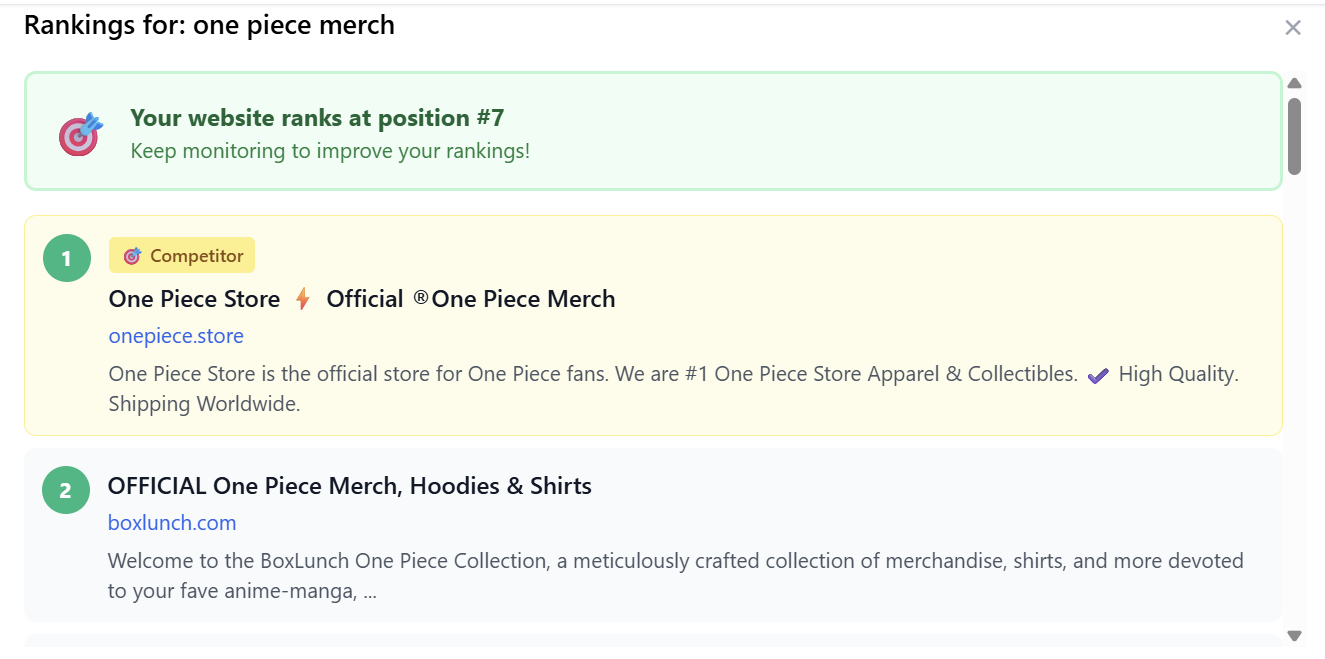
one piece merch — Currently #7
This helps you quickly spot ranking improvements or drops.

Competitors Section
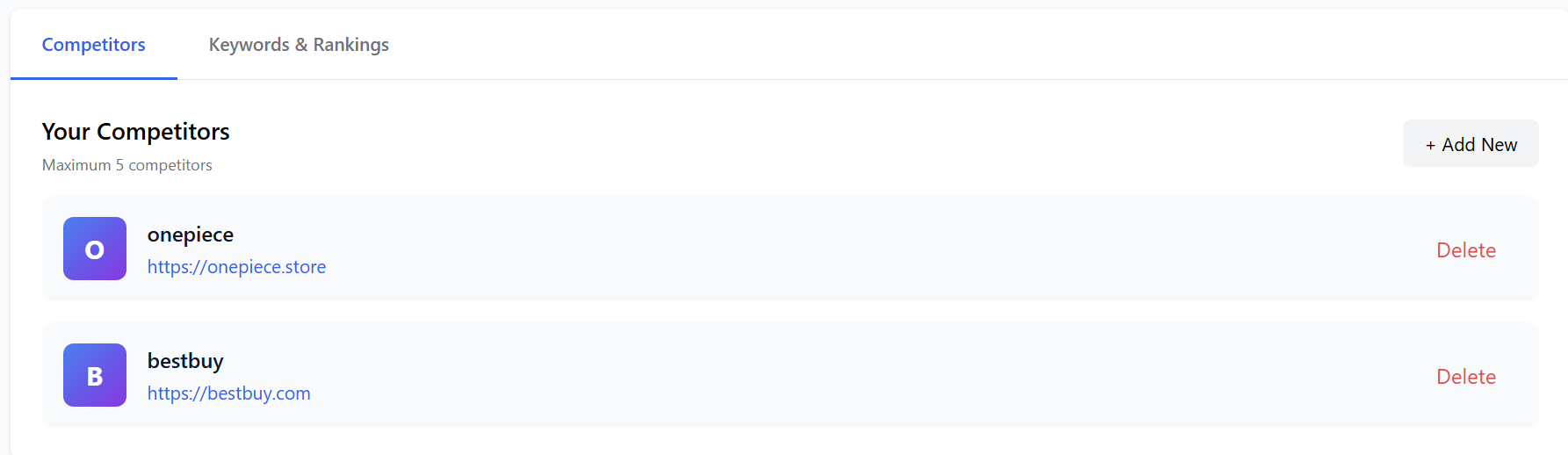
Here you’ll find all websites you’re currently tracking:
Your Competitors
-
onepiece
URL:https://onepiece.store
🗑️ Delete
and you can add New Competitor, just enter the website name & URL, then the AI begins tracking:
-
Their keyword rankings
-
SEO improvements
-
New content they publish
-
Their visibility changes
Keywords & Rankings Section
Here you can:
-
View all keywords you're monitoring
-
See your ranking position
-
Track competitor movements
-
Identify opportunities for SEO improvement
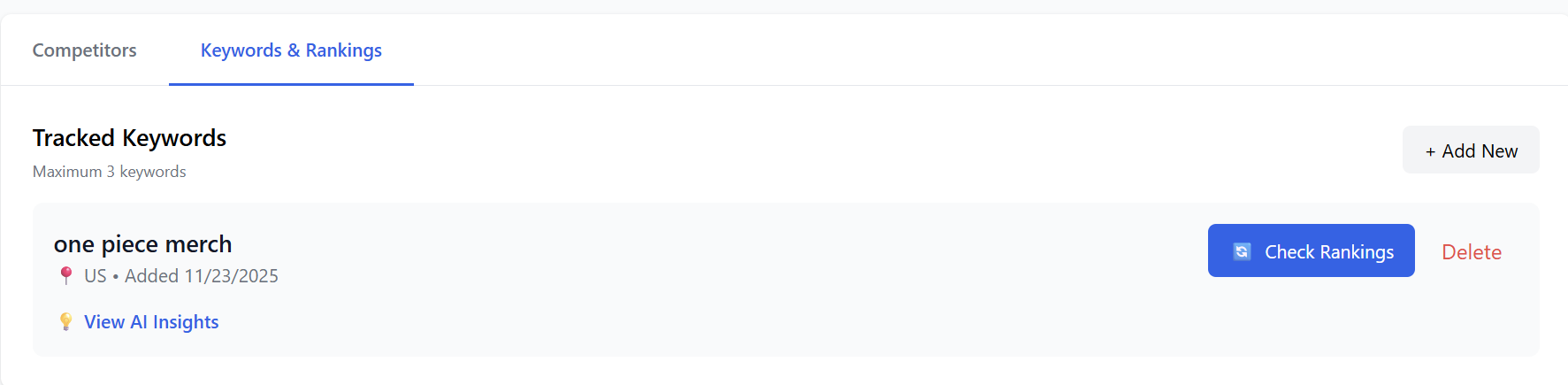
Press on 'Check Rankings' to view the competitors:
AI-Powered Insights
The system automatically analyzes:
-
Competitor ranking changes
-
Keyword difficulty trends
-
Missing keywords you should target
-
Content opportunities
-
Pages competitors optimized recently
You can view AI insights: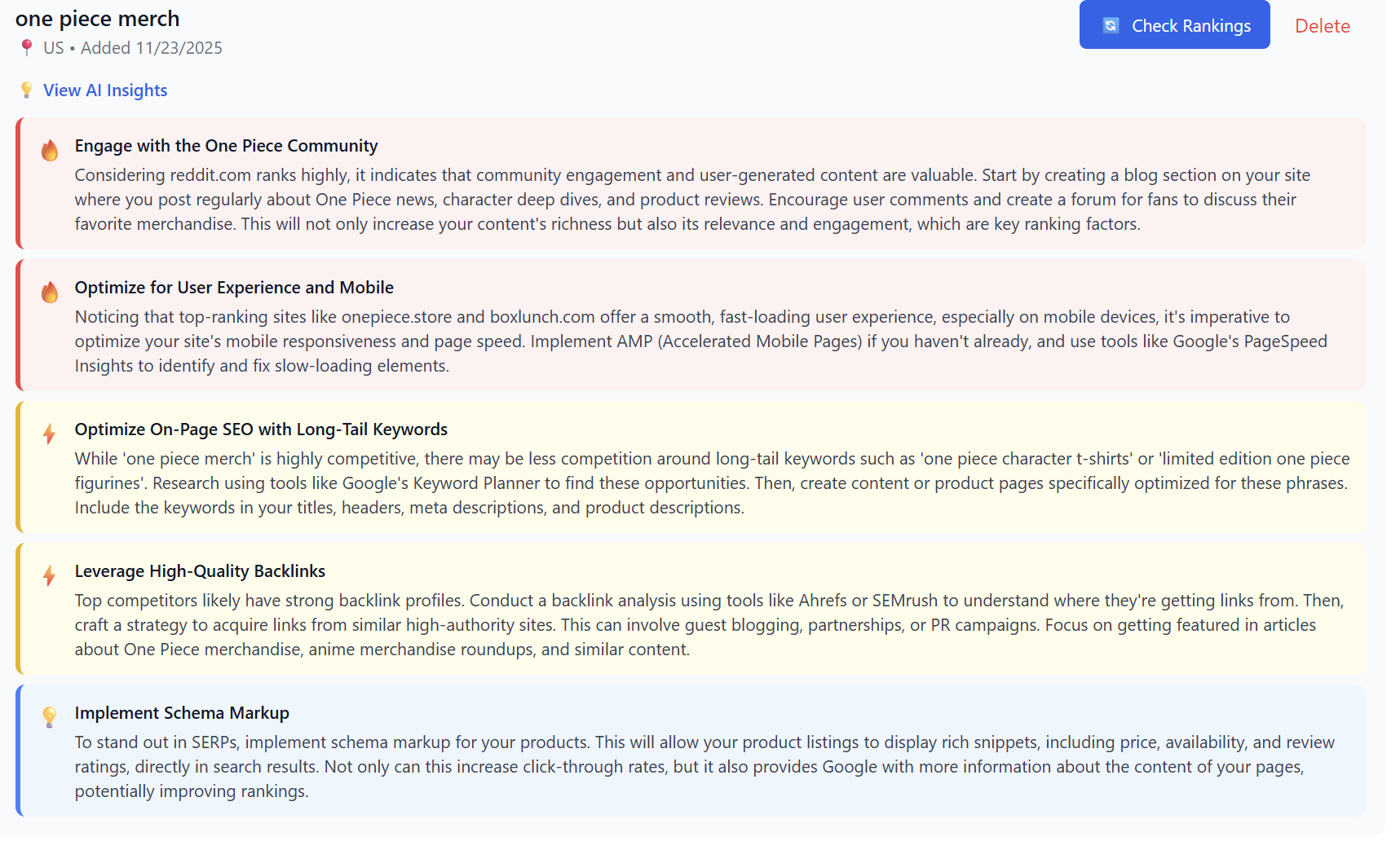
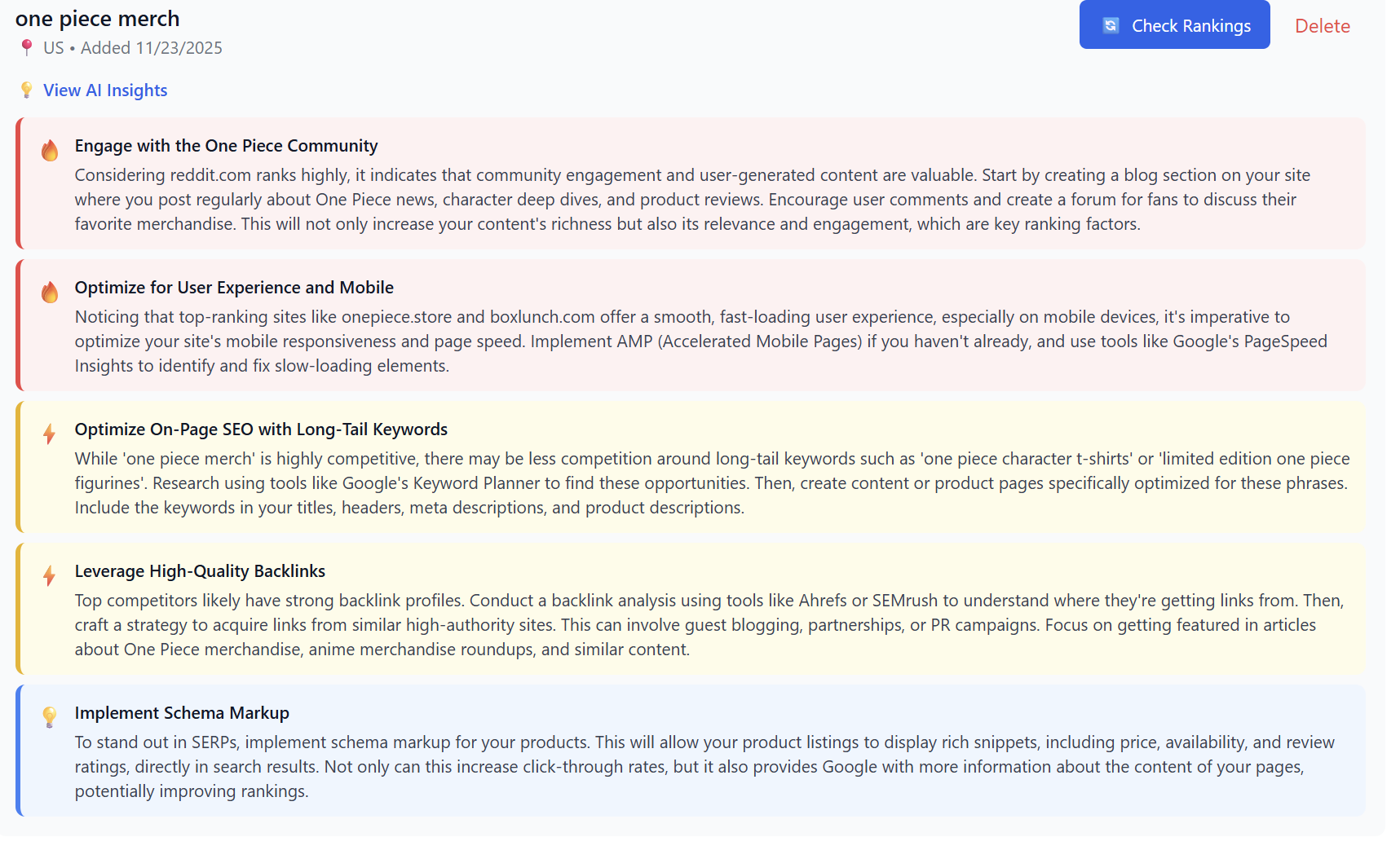
Your New Insights count will increase whenever the system discovers new ranking shifts or SEO opportunities.
How to Use the AI Competitor Monitor Effectively
-
Add all major competitors (3–5 recommended)
-
Track your top keywords—focus on those between #5 and #20
-
Review AI insights weekly
-
Publish content based on competitor weaknesses
-
Monitor ranking improvements after updates
Pro Tips
-
Add keywords with commercial intent for higher ROI (e.g., “buy one piece hoodie”)
-
Add large retailers and niche competitors
-
Let the AI insights guide your blog posts, product pages, or category improvements
-
Check rankings after major Google updates