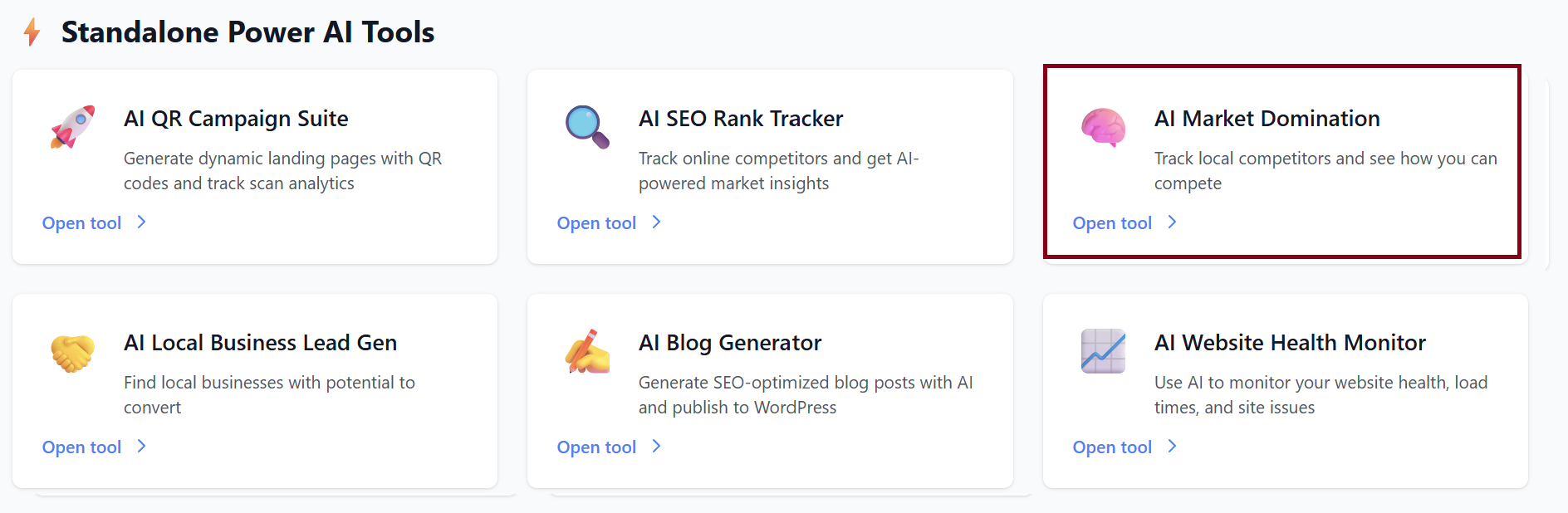
AI Market Domination
The AI Local Market Domination tool analyzes your local competitors, uncovers their weaknesses, and generates actionable strategies to help you dominate your local area.
1. Starting a New Market Analysis
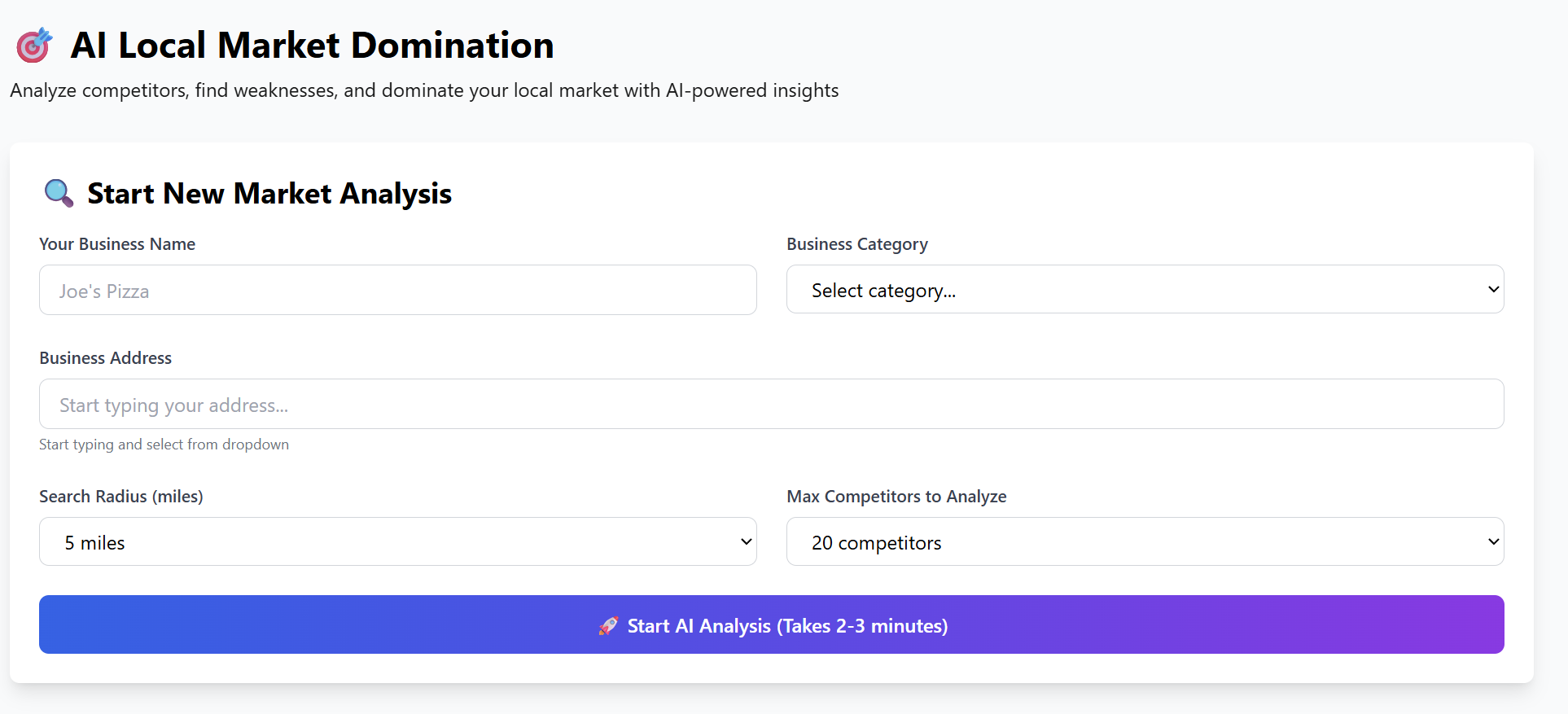
Use this section to input the details of your business and define the target area for analysis.
-
Your Business Name
Example: Joe's Pizza -
Business Category
Select your industry from the dropdown (restaurants, tech shops, salons, etc.) -
Business Address
Start typing your address and select the correct listing from the dropdown. -
Search Radius (miles)
Determines how far from your location the tool scans for competitors. -
Max Competitors to Analyze
Set the limit (up to 20 competitors).
Once everything is filled out, click: Start AI Analysis
Processing takes 2–3 minutes, during which the tool scans local listings, reviews, websites, hours, and overall online presence.
2. Market Analysis Summary (After Processing)
Once the scan is complete, you’ll see a full breakdown of your competitive landscape:
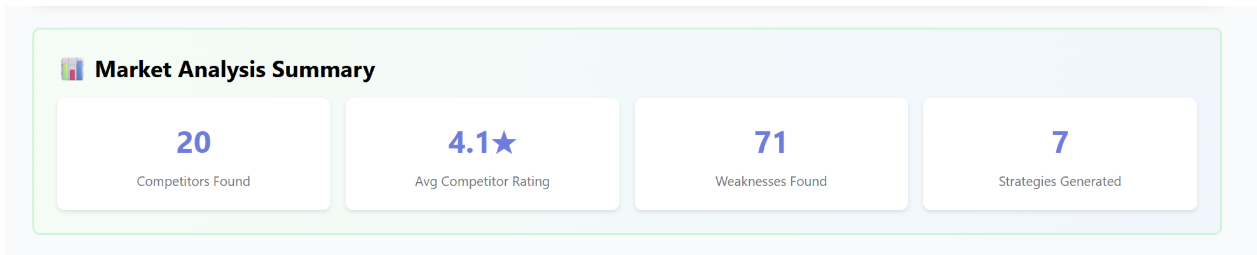
Summary Metrics
-
🏪 Competitors Found: 20
-
⭐ Avg Competitor Rating: 4.1★
-
⚠️ Weaknesses Identified: 71
-
🎯 Strategies Generated: 7
This gives you a fast snapshot of how competitive the area is and how many opportunities exist.
3. AI-Generated Domination Strategy
The tool creates a personalized, multi-step domination plan based on your competitors’ weaknesses.
Each strategy includes:
-
Priority Level (High / Medium)
-
Reasoning / Competitor Weakness
-
📋 Action Steps
-
💰 Expected Impact
Example Strategies Included:
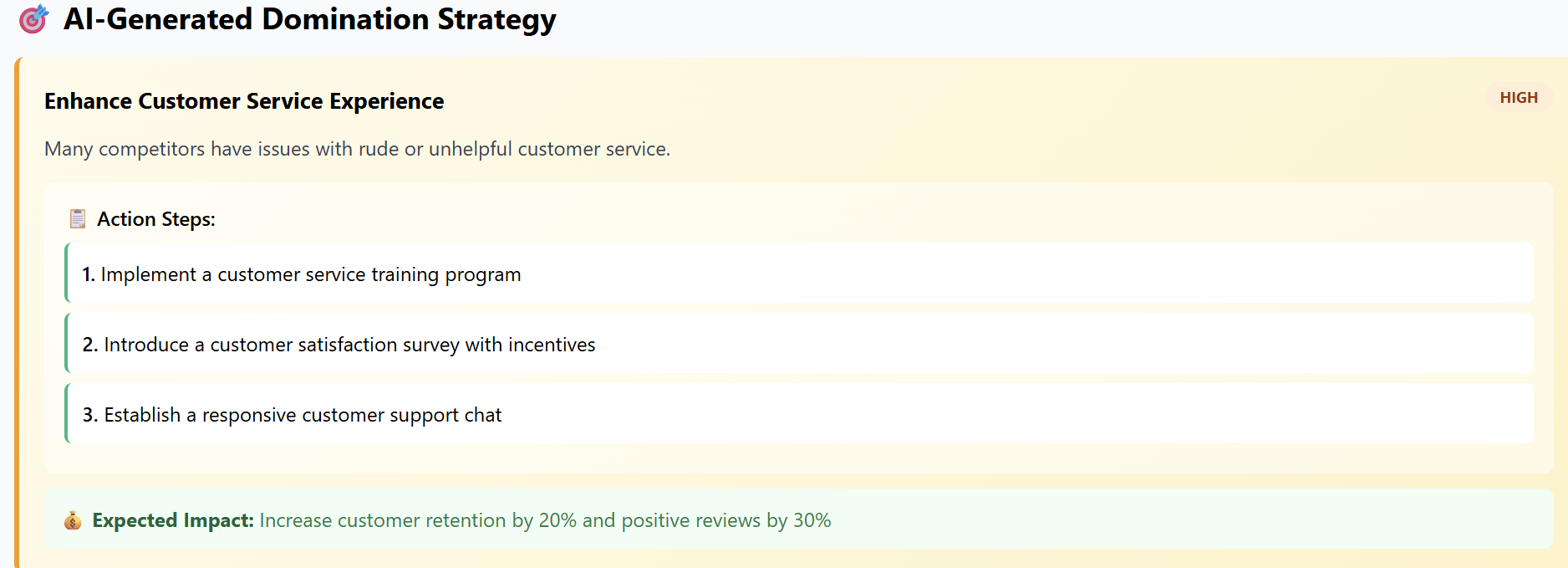
a. Enhance Customer Service Experience
Priority: High
Many competitors have complaints about rude or unhelpful staff.
Action Steps:
-
Launch customer service training
-
Offer satisfaction surveys with incentives
-
Add a responsive support chat
Impact:
+20% retention, +30% positive reviews
b. Responsive Review Management
c. Additional Strategies Include:
-
Review management
-
Targeted marketing campaigns
-
Improved in-store experience
4. Competitor Analysis (Top 10 Detailed Results)
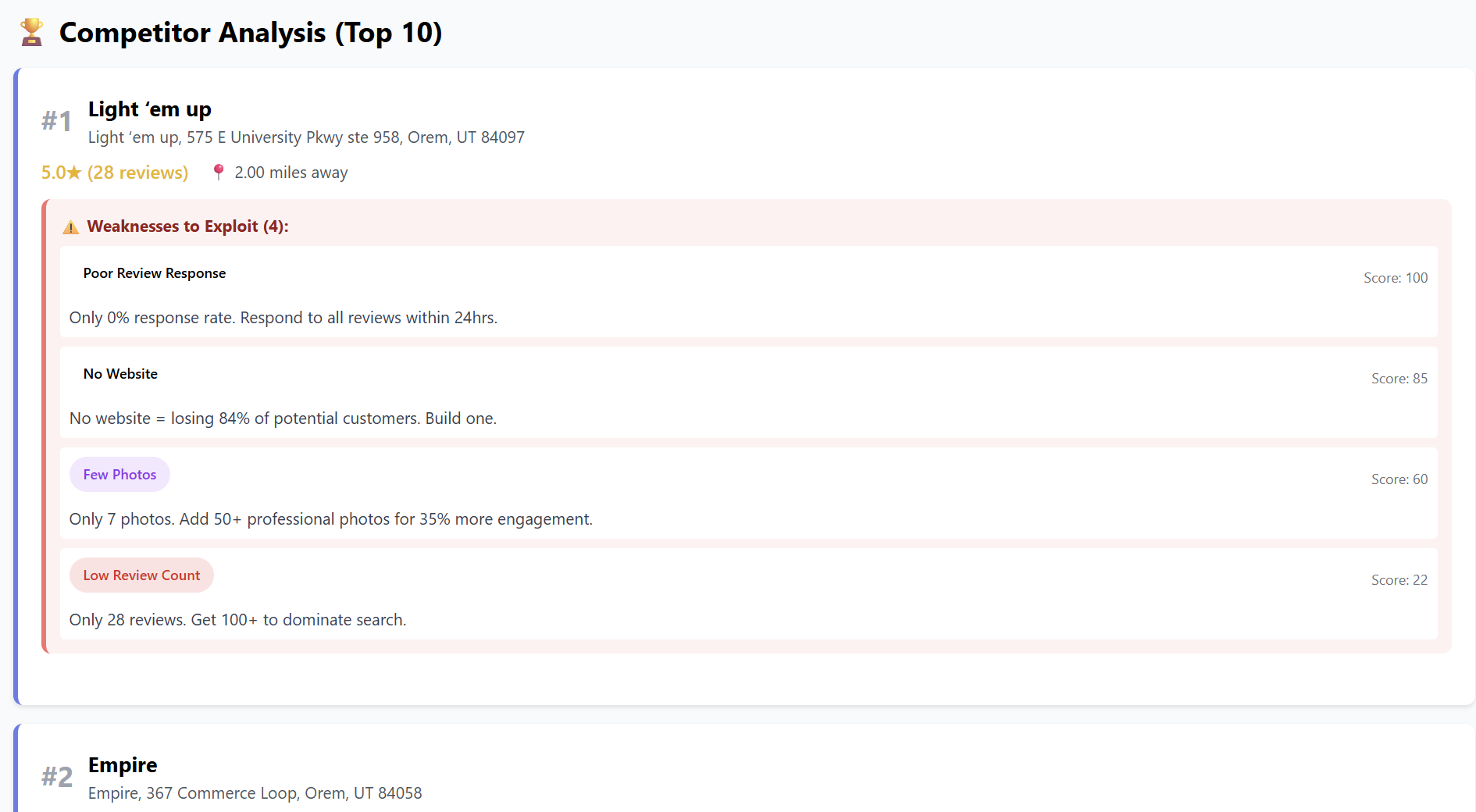
Each competitor includes:
-
Business name & address
-
Star rating & review count
-
Distance from your location
-
Phone number & website (if available)
-
Weaknesses with scores
-
Suggested exploitation opportunities
Each weakness is scored (0–100) based on how aggressively you can exploit it.
5. Market Insights
The tool auto-summarizes the biggest takeaways:
-
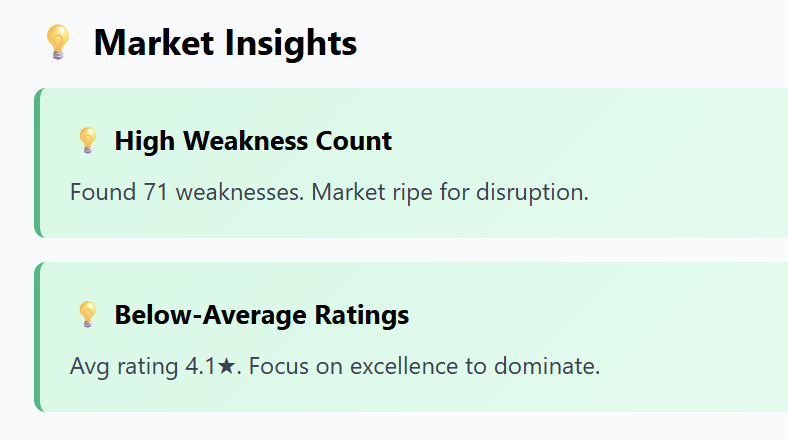
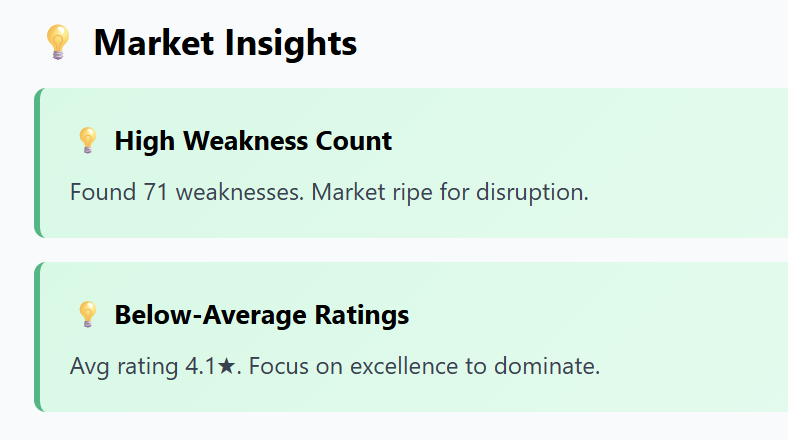
High Weakness Count: 71 total opportunities
-
Below-Average Ratings: Room for easy wins
-
Market is Ripe for Disruption
6. Automatic Weekly Monitoring
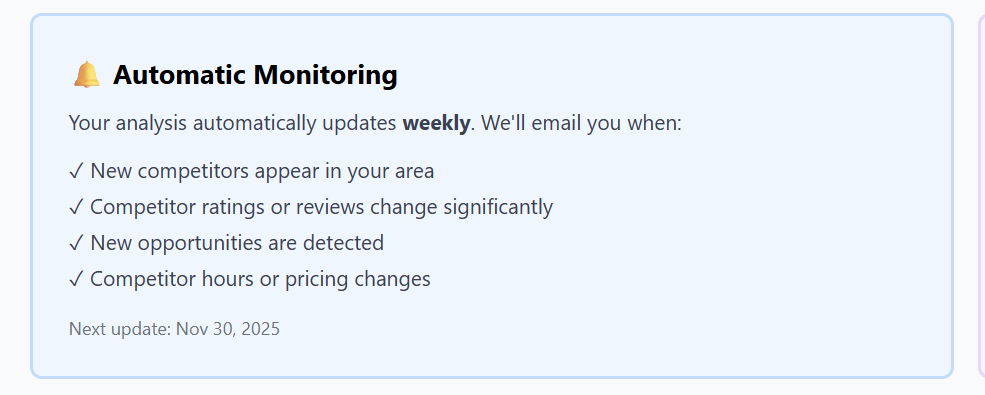
The system keeps tracking your area and will notify you when:
-
New competitors appear
-
Ratings or reviews shift
-
A competitor improves or worsens
-
Business hours or pricing change
-
New exploitable weaknesses arise
7. Export Report (PDF)
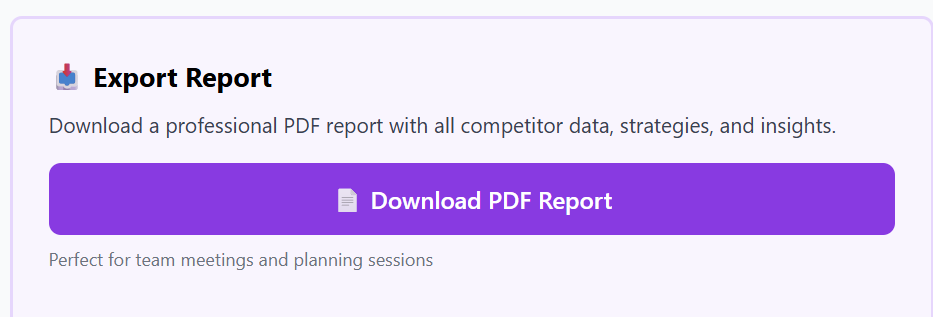
You can download a professional, presentation-ready report:
-
Competitor tables
-
Heatmaps
-
Strategy summary
-
Action steps
-
Weakness opportunities
Perfect for:
-
Team planning
-
Investors
-
Marketing strategists
-
Store operations
8. Analyze Another Location
Run unlimited scans for additional stores or new expansion areas.