
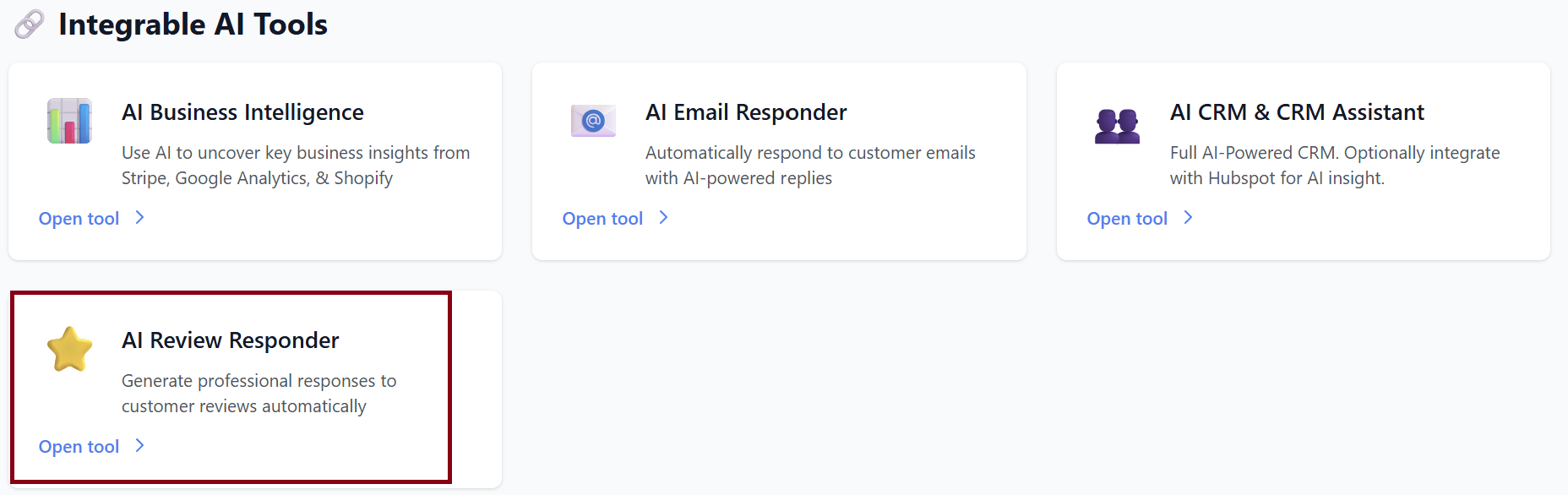
AI Review Responder
AI-powered review monitoring and response generation for your business.
Chrome Extension
At the top of the Review Manager dashboard, you’ll see:
“Get the Chrome Extension for One-Click Posting!”

The Chrome extension allows you to publish AI-generated responses to Google reviews instantly—no copying or pasting.
-
Download Extension – Installs the extension into your Chrome browser.
-
Dismiss – Hides the message.
Review Manager Dashboard
Your main hub for viewing reviews, managing locations, templates, and analytics.
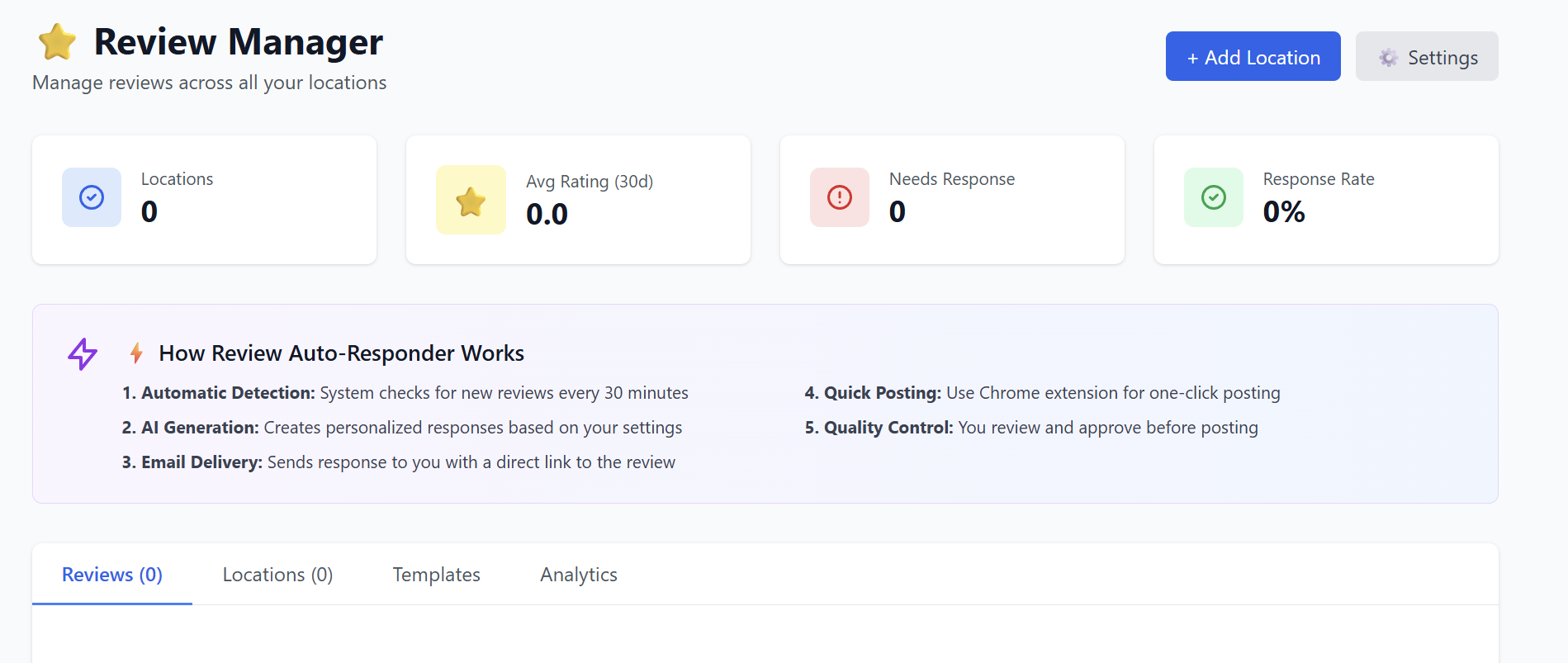
Top Navigation
-
+ Add Location – Add a business location for Google review monitoring.
-
⚙️ Settings – General configuration for notifications and defaults
Dashboard Metrics
-
Locations: 0 (until you add some)
-
Avg Rating (30d): 0.0
-
Needs Response: Number of new, unreplied reviews
-
Response Rate: Percentage of reviews you responded to
How Review Auto-Responder Works
1. Automatic Detection
The system checks all connected locations for new Google reviews every 30 minutes.
2. AI Generation
A personalized response is created based on:
-
Review sentiment
-
Review content
-
Your brand tone
-
Any default templates you’ve selected
3. Email Delivery
You receive an email containing:
-
The generated response
-
A direct link to the review
-
A one-click option to open it in Google
4. Quick Posting (Chrome Extension)
If you installed the Chrome extension:
-
Open the review on Google
-
Click “Post with AI”
-
Response is filled in instantly
-
Edit or approve in one click
5. Quality Control
You have full control:
-
Approve
-
Edit
-
Replace with another template
-
Or discard
Reviews Section
Once connected locations start pulling reviews, you will see:
-
Review content
-
Star rating
-
Review date
-
Suggested AI response
-
Buttons: Approve, Edit, Copy, Open Review, or Post (with extension)
Adding a Location
Click + Add Location.
You may be prompted to:
-
Connect your Google Business Profile
-
Select one or multiple business locations
-
Confirm permissions for review monitoring
Once added:
-
Reviews begin syncing within 1–10 minutes
-
New reviews are checked every 30 minutes
Templates
Reusable response templates to standardize tone across review types.
Creating a Template
Click Templates → Create Template.
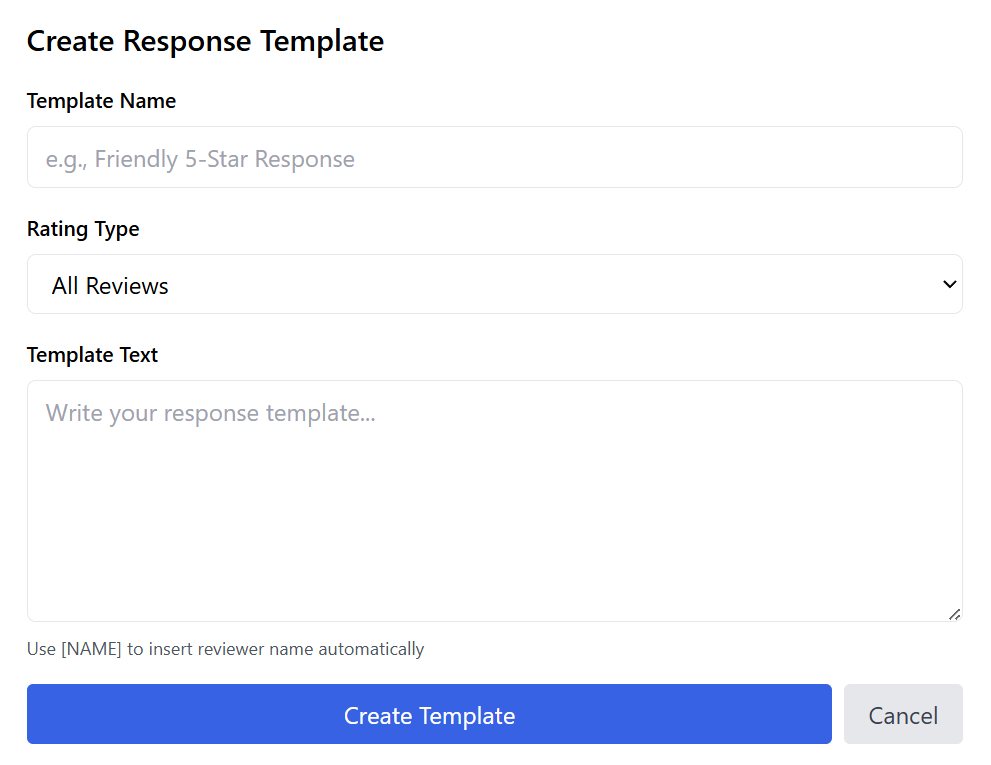
Fill out the fields:
-
Template Name
e.g., “Positive Review Default” -
Category
-
General
-
Positive
-
Neutral
-
Negative
-
Follow-up
-
-
Subject Template (optional)
Not used for posting—only for internal organization or emails. -
Body Template
This is the actual response the AI uses or adapts. -
Set as Default Template for This Category (checkbox)
If checked, this template will auto-apply to reviews of that category.
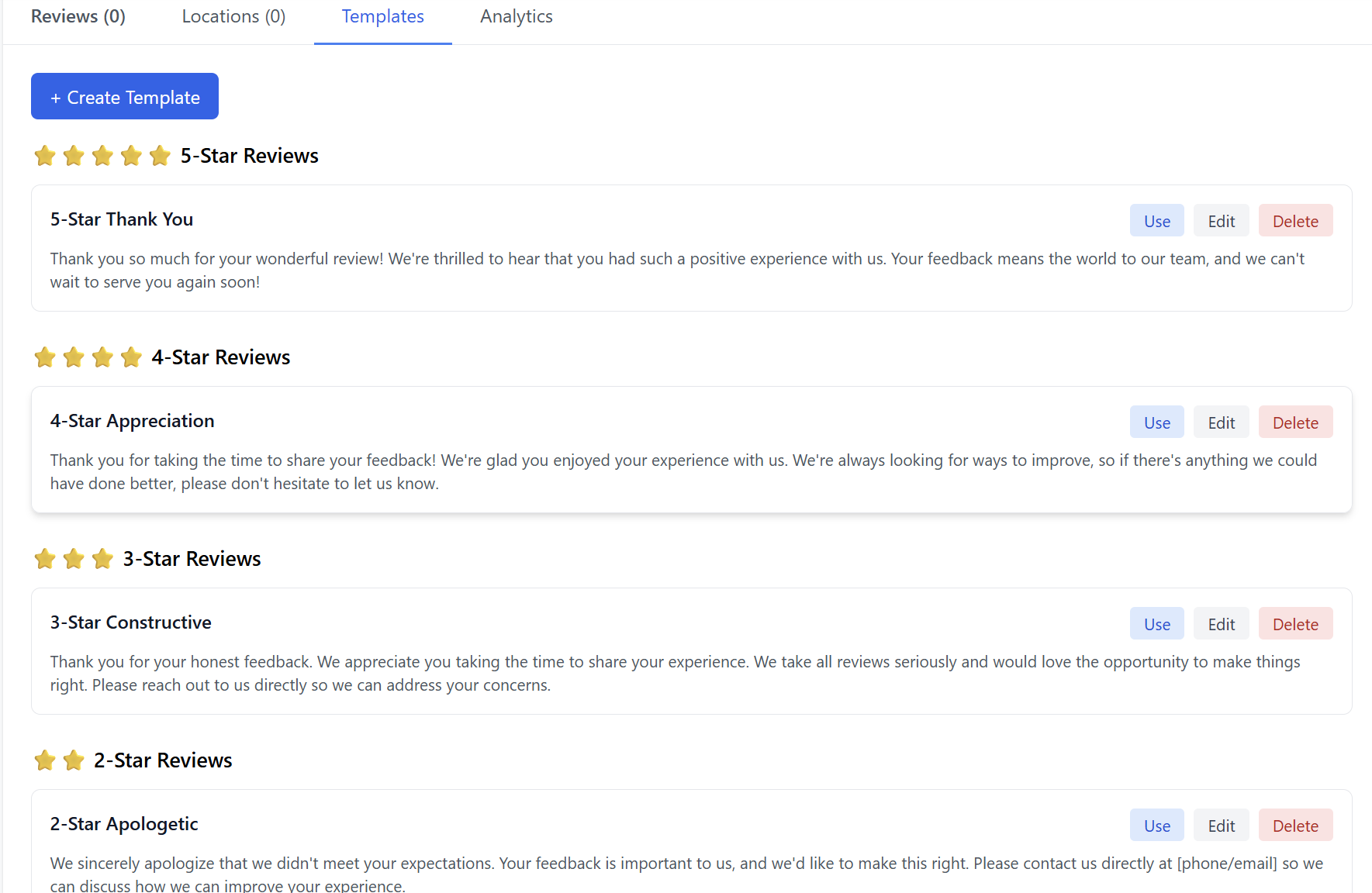
After Creating a Template
It will appear under the Templates tab where you can:
-
Edit
-
Duplicate
-
Delete
-
Mark as default
You can create unlimited templates.
Analytics
Insight into your review activity and AI performance.
Analytics Overview
-
Total Reviews
-
Response Rate
-
Avg Response Time
-
Review Volume (Last 7 Days)
-
Category Breakdown
-
Positive
-
Neutral
-
Negative
-
Needs Response
-
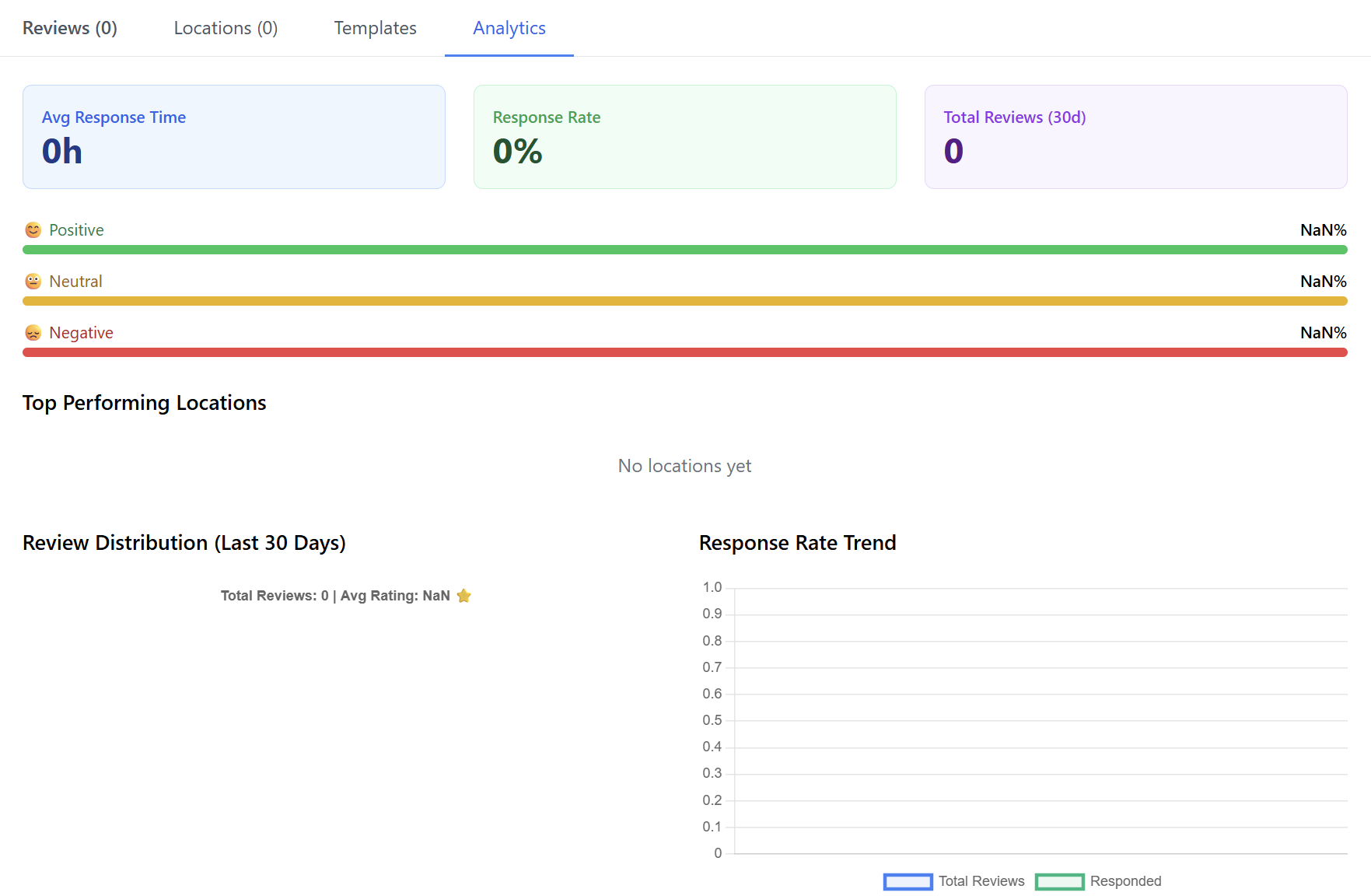
Charts and graphs will appear once you begin receiving reviews.
You’re Ready to Go
After adding your first location and installing the Chrome extension, the AI Review Responder will automatically:
-
Monitor reviews
-
Generate custom responses
-
Email them to you
-
Provide instant posting via Chrome